You are using an unsupported browser. Please update your browser to the latest version on or before July 31, 2020.
close
You are viewing the article in preview mode. It is not live at the moment.
Home > Eyesoft - Documentation > 09 - Statistics - Documentation > Settings - Payments - Manually Closed List
Settings - Payments - Manually Closed List
print icon

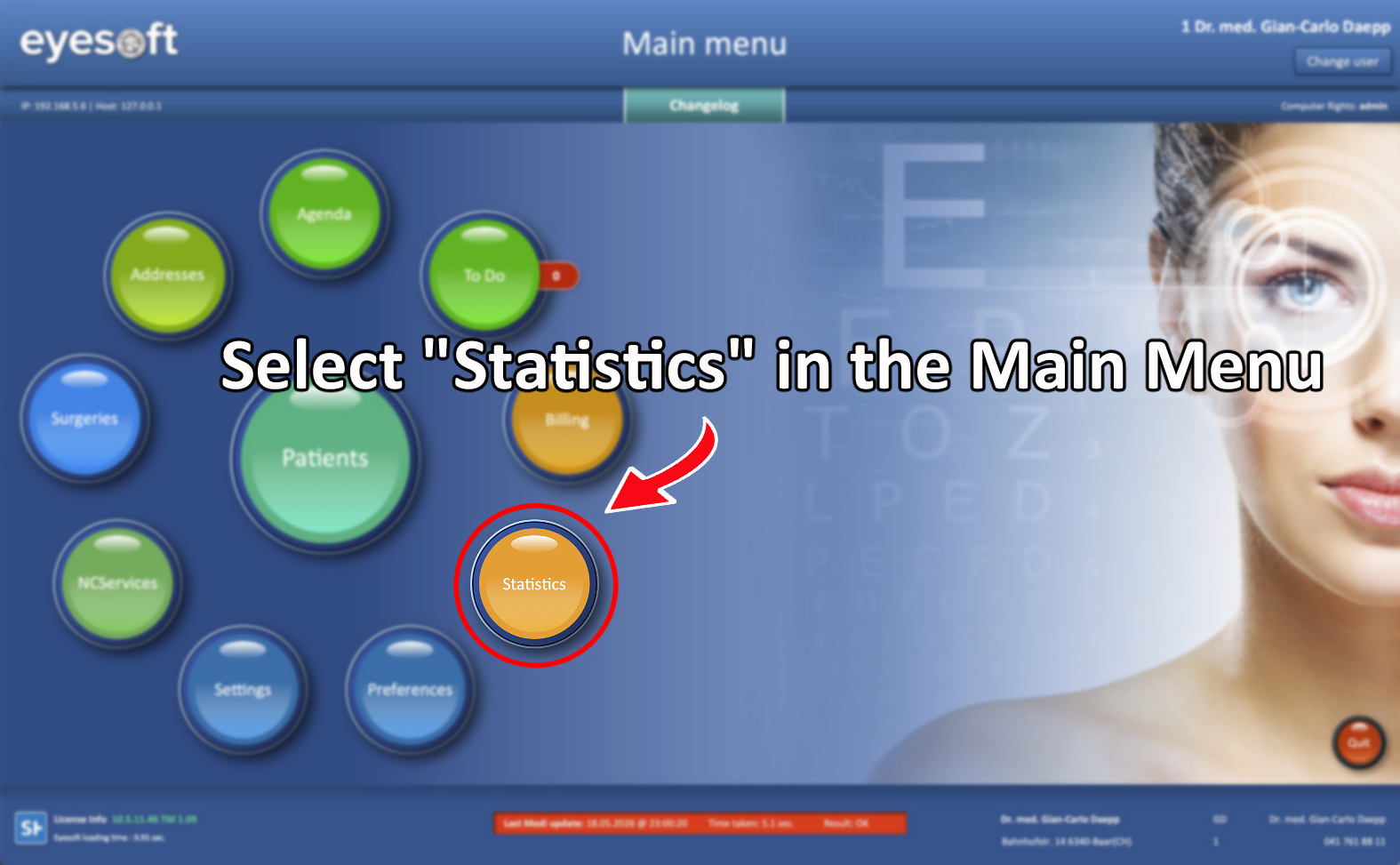
From the Main Menu, select Statistics.


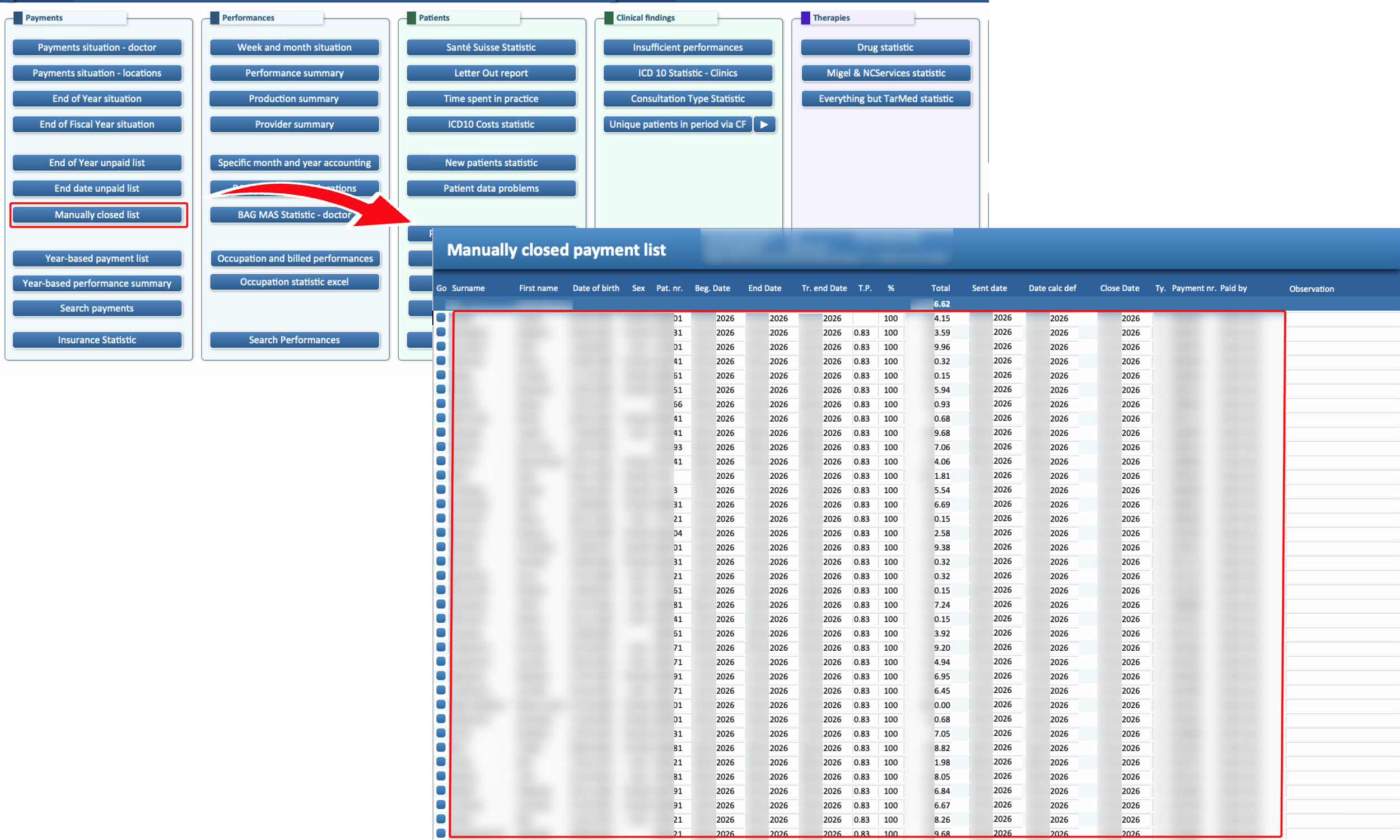
Manually Closed List
Displays all invoices that were manually closed during the selected year, rather than being closed through the Cash & Close function in the Billing section.


Feedback
0 out of 0 found this helpful

scroll to top icon