

Statistics - Performances - Performance Search
Last updated: Jun 22, 2026
81
views

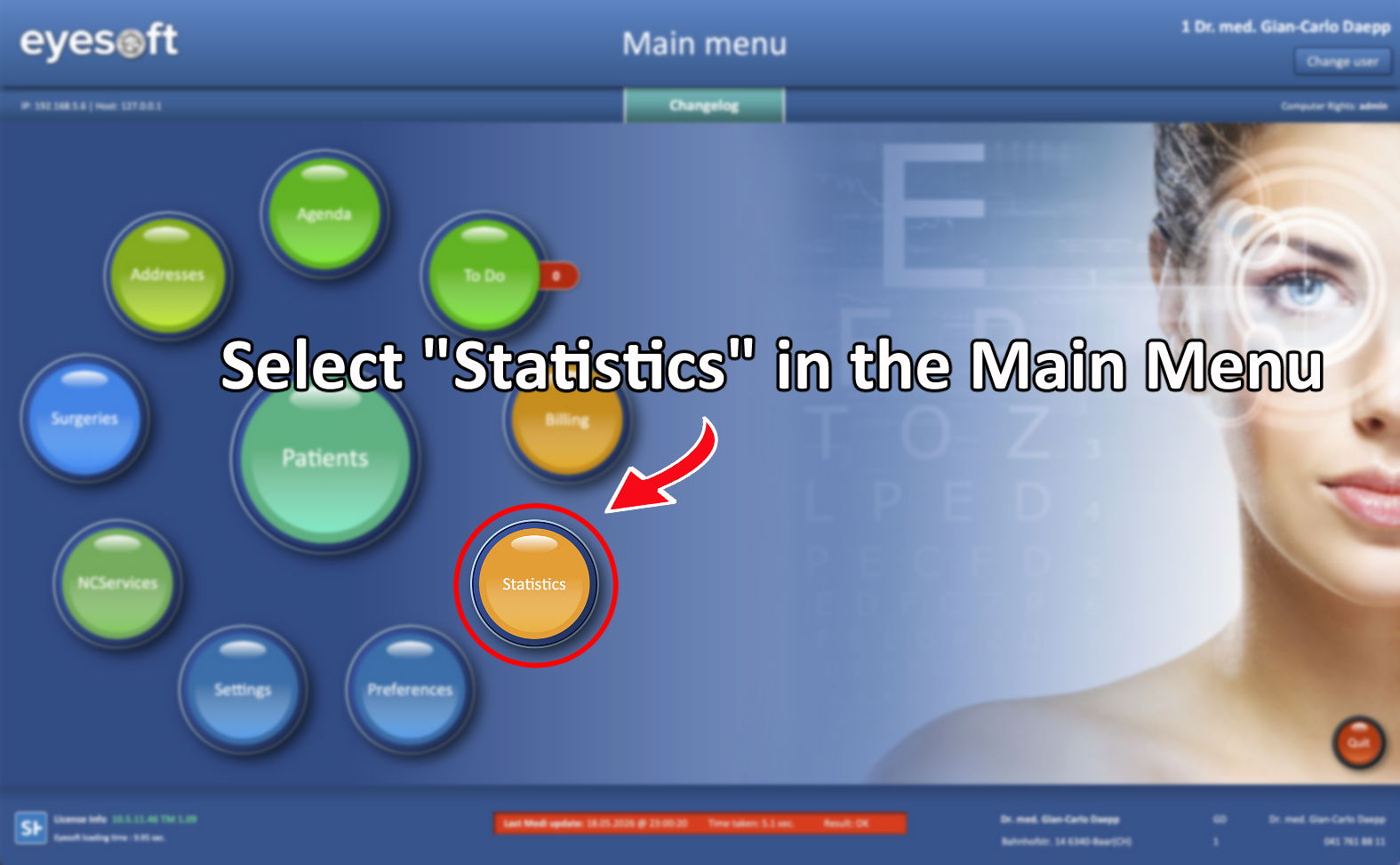
From the Main Menu, select Statistics.
This guide will focus on the Search Performances function.
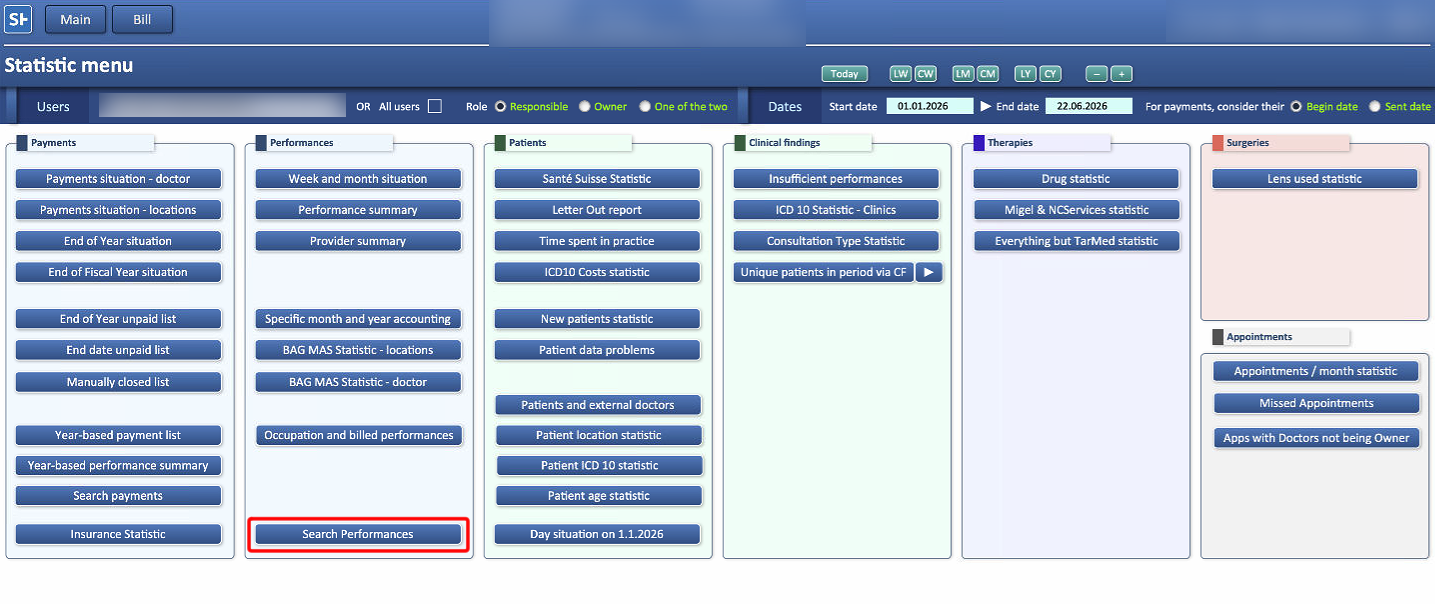
The Search Performances function allows users to search for specific performance records by performance code or description.
The complete code or description is not required. However, keep in mind that shorter search terms may return imprecise results, including records that partially match the search parameter but aren't the intended result.
The search can be further filtered by adding a specific timeframe.
Once all parameters have been set, click the Search button to start.
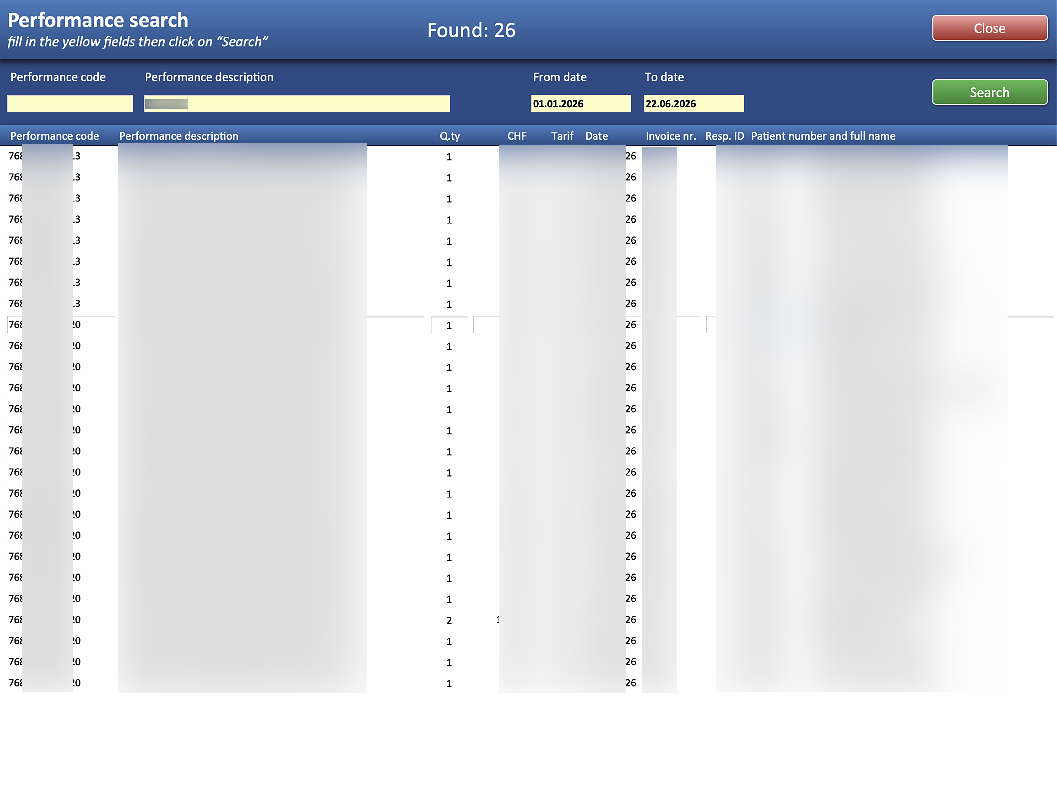
The results display all recurrences of the selected performance within the specified timeframe.

