


From the Main Menu, select Statistics.
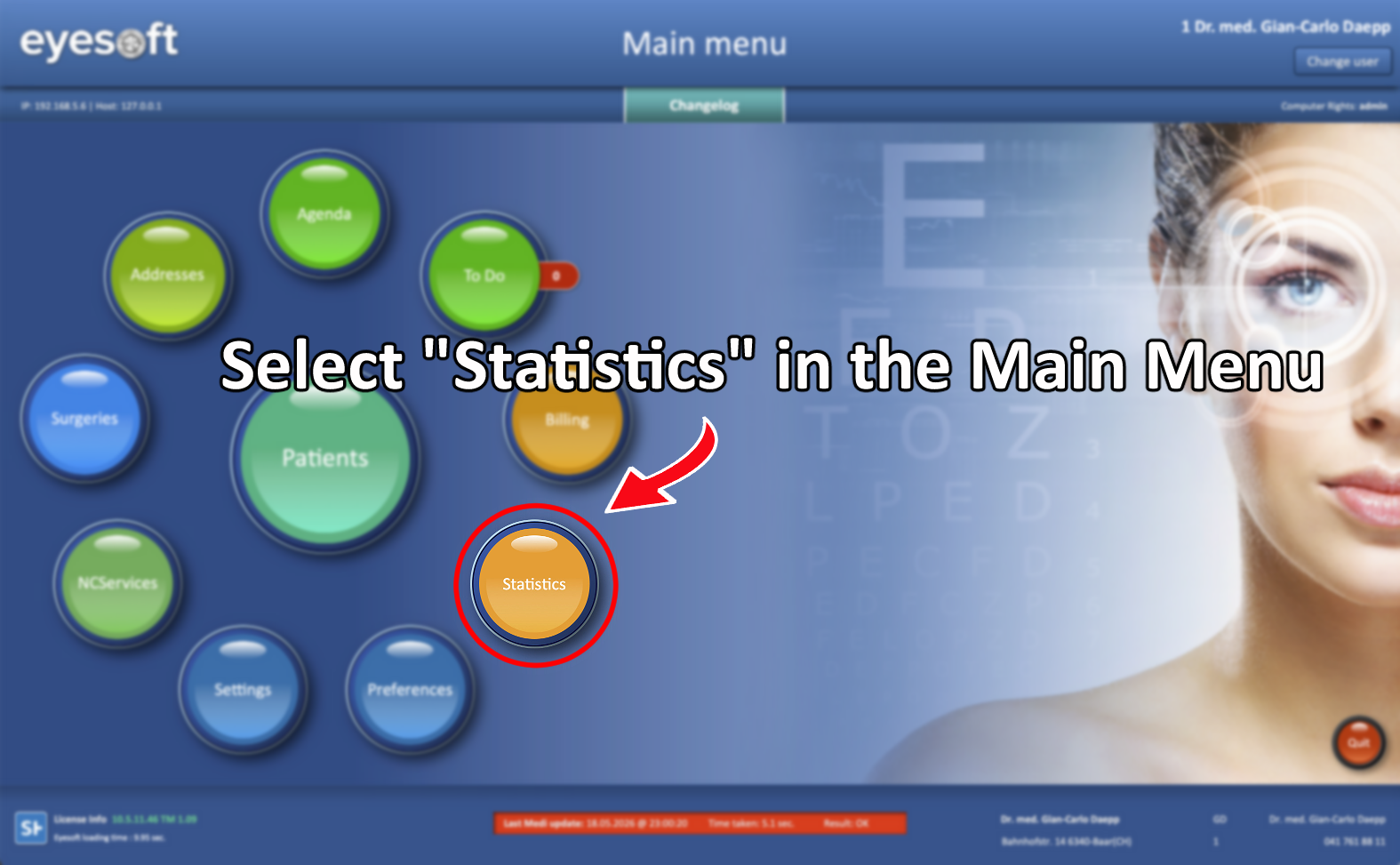
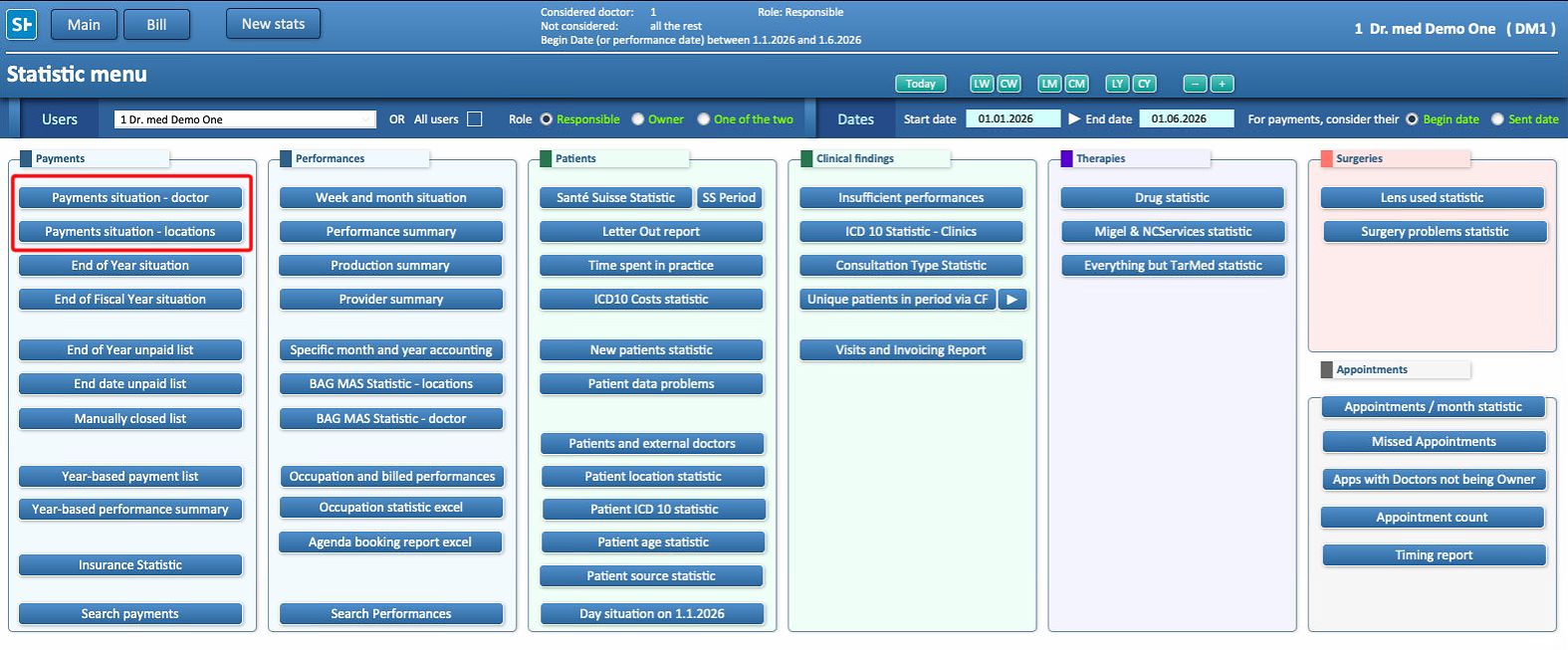
This guide focuses on two statistics:
-
Payment Situation - Doctor
-
Payment Situation - Locations
-
Payment Situation - Doctor Allows to consult data for one or multiple doctors within a selected date range.
-
Payment Situation - Locations Allows to consult data for one or multiple locations within a selected date range.
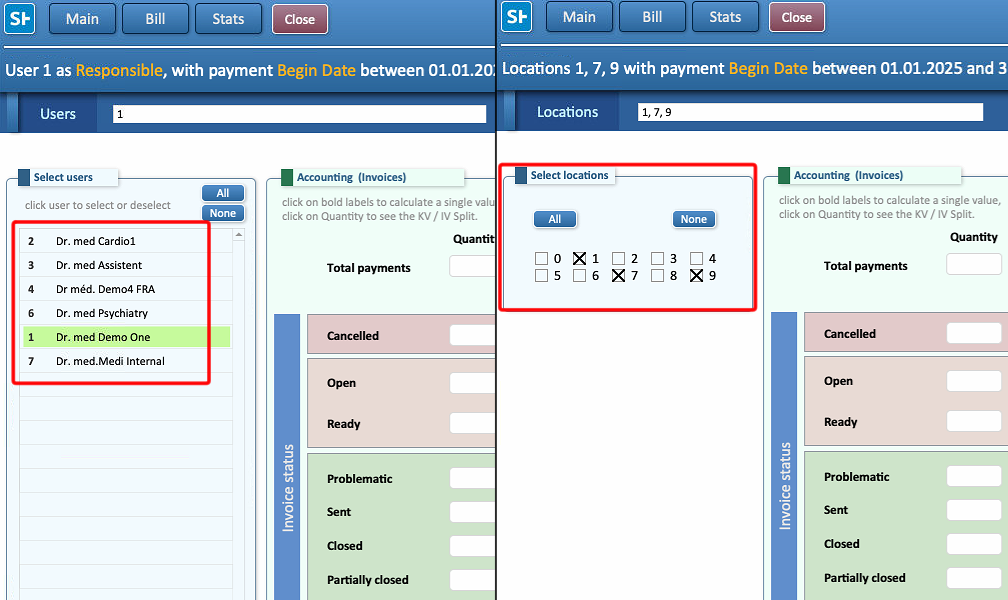
Filters
Statistics can be searched using any timeframe, including:
-
Daily
-
Weekly
-
Monthly
-
Quarterly
-
Yearly
-
From a start date without an end date
-
Until a specific date without a start date
-
Any custom date range

Additional filters include:
- Owner / Responsible, Allows to display only records related to a specific Owner or Responsible.

- Begin / Sent / Close Date Allows to filter results based on when the invoice was opened, sent to the insurance/patient/third party or closed

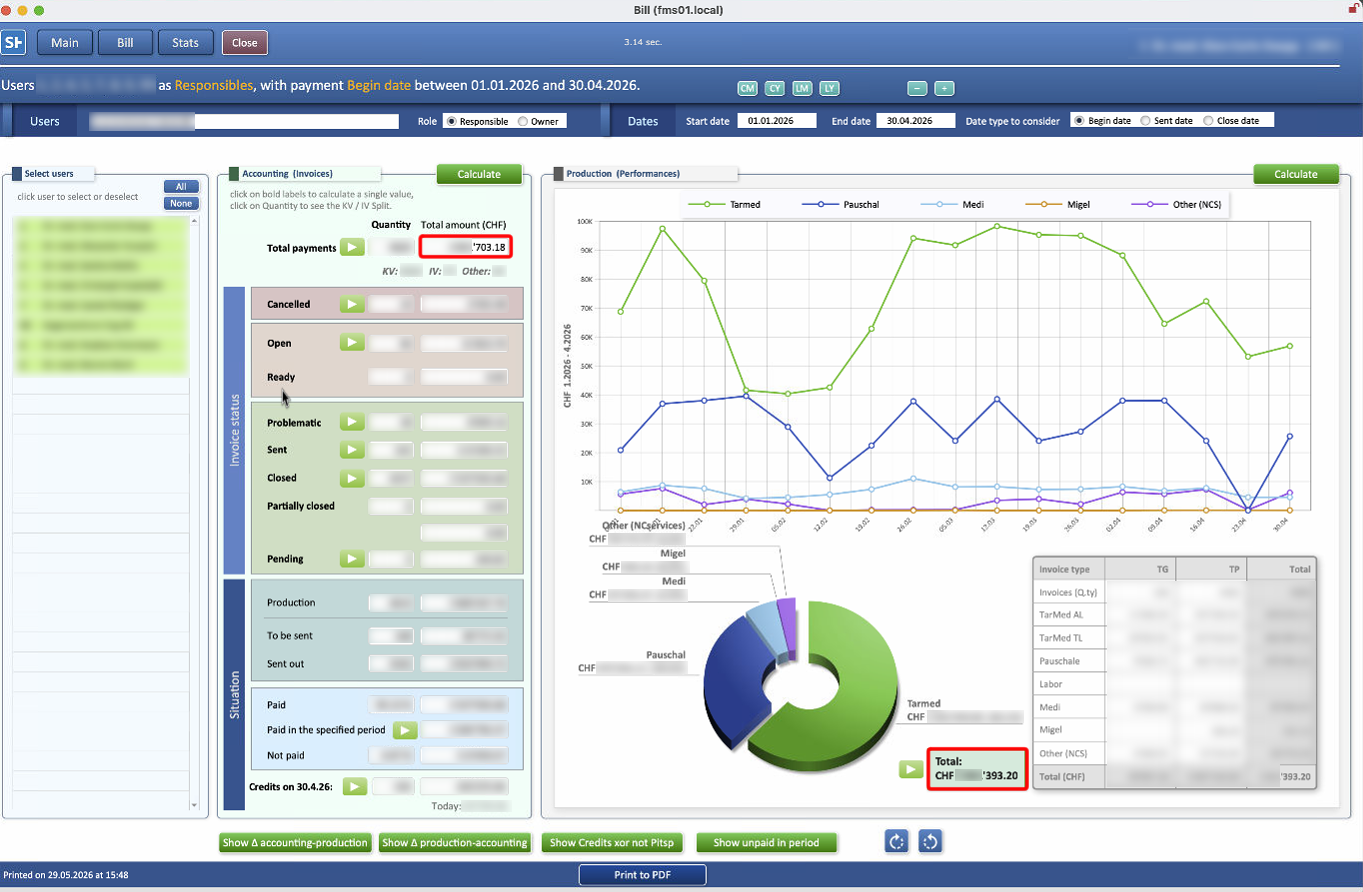
Accounting and Production
The Accounting section is based on issued invoices.
Only issued invoices within the selected timeframe are included.
Because of this, differences may occur when comparing Accounting with other statistics:
-
An invoice issued during the selected timeframe for a procedure performed after that timeframe may not appear in production statistics.
-
A procedure performed during the selected timeframe but invoiced after that timeframe may not appear in Accounting statistics.
Always keep this in mind when comparing totals.
The Production section is based on the performances.
It shows the amount of performances completed, helping to evaluate production and identify potential improvements.
The same timing differences described in the Accounting section also apply here.
Incongruences
Differences between Accounting and Production can occur because payments and performances may fall into different timeframes.
Two buttons are available to help identify these differences. Hover over either button to see a brief explanation.
Show Δ Accounting - Production Displays records included in Accounting that are not present in Production.
Example
For a search for the year 2025
-
A payment for a lens that will be implanted at the beginning of January 2026 may be received in 2025.
In this case:
- The payment will be included in the 2025 Accounting report because the invoice was issued in 2025.
- The procedure will be included in the 2026 Performance report because the procedure was performed in 2026.
-
As a result, the amount of it may appear in Accounting but not in Performance for the same reporting period, creating a difference between the two statistics.

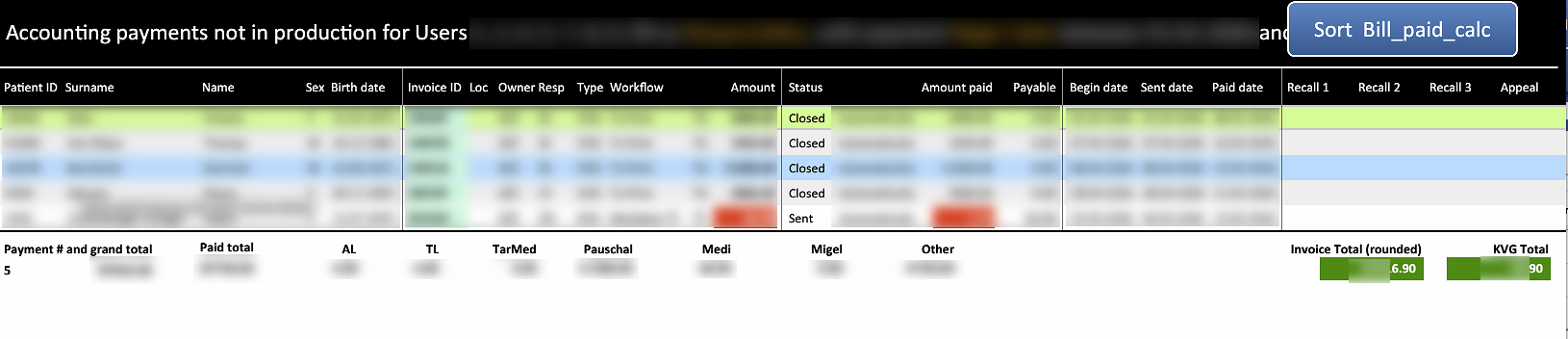
Show Δ Production - Accounting Displays records included in Production that are not calculated in Accounting.
Examples
For a search for the year 2025
-
A bill may contain performances completed in 2025, while additional performances are added to the same bill in 2026.
-
Only the performances completed in 2025 will be included in the Production total.
- The payment may have been received in 2026 and therefore will not be included in the 2025 Accounting total.
-
This can create differences between Production and Accounting results.
-
-
The opposite situation of the one described in accounting can also occur.
A lens implant performed in early January 2025 was likely billed in December 2024.
- The amount will not appear in a 2025 Accounting search because it was received in 2024.
- The performance will appear in the 2025 Production results because it was performed in 2025.

The Show Δ Accounting - Production and Show Δ Production - Accounting buttons list all instances where these types of differences occur.

