E/G - Updating User Information

Mar 04, 2026
 40
40
1. User update in the Eyesoft Main
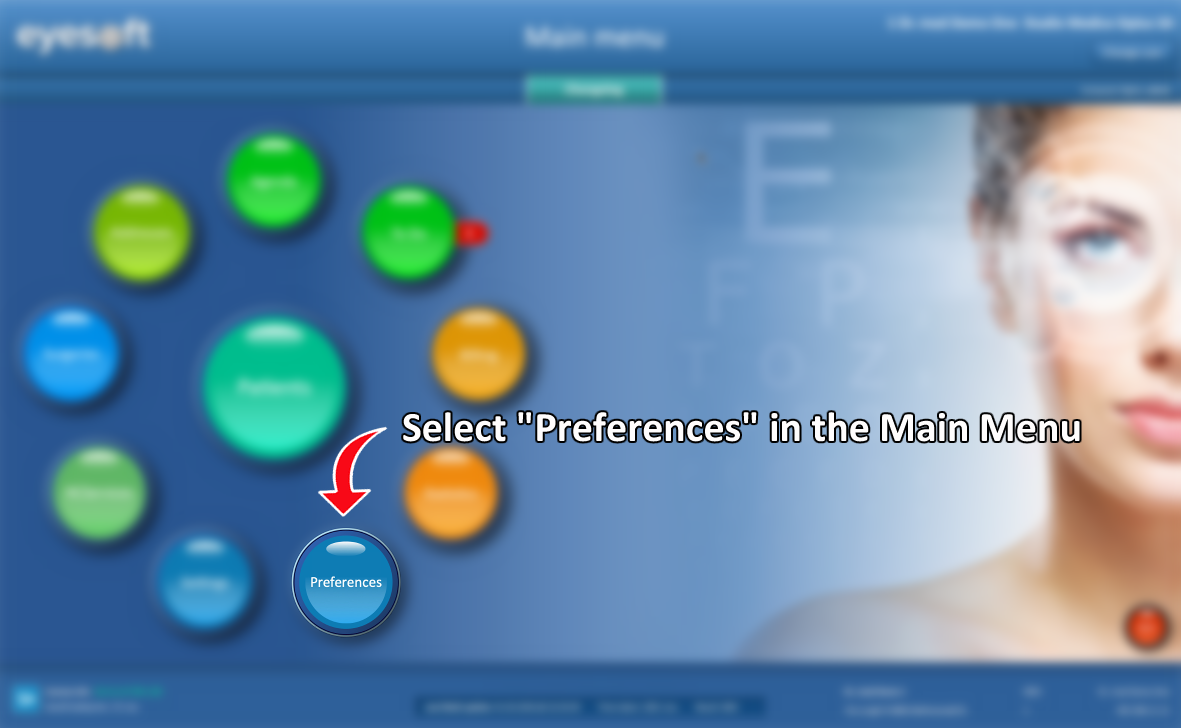
- In the Main Menu, select Preferences.
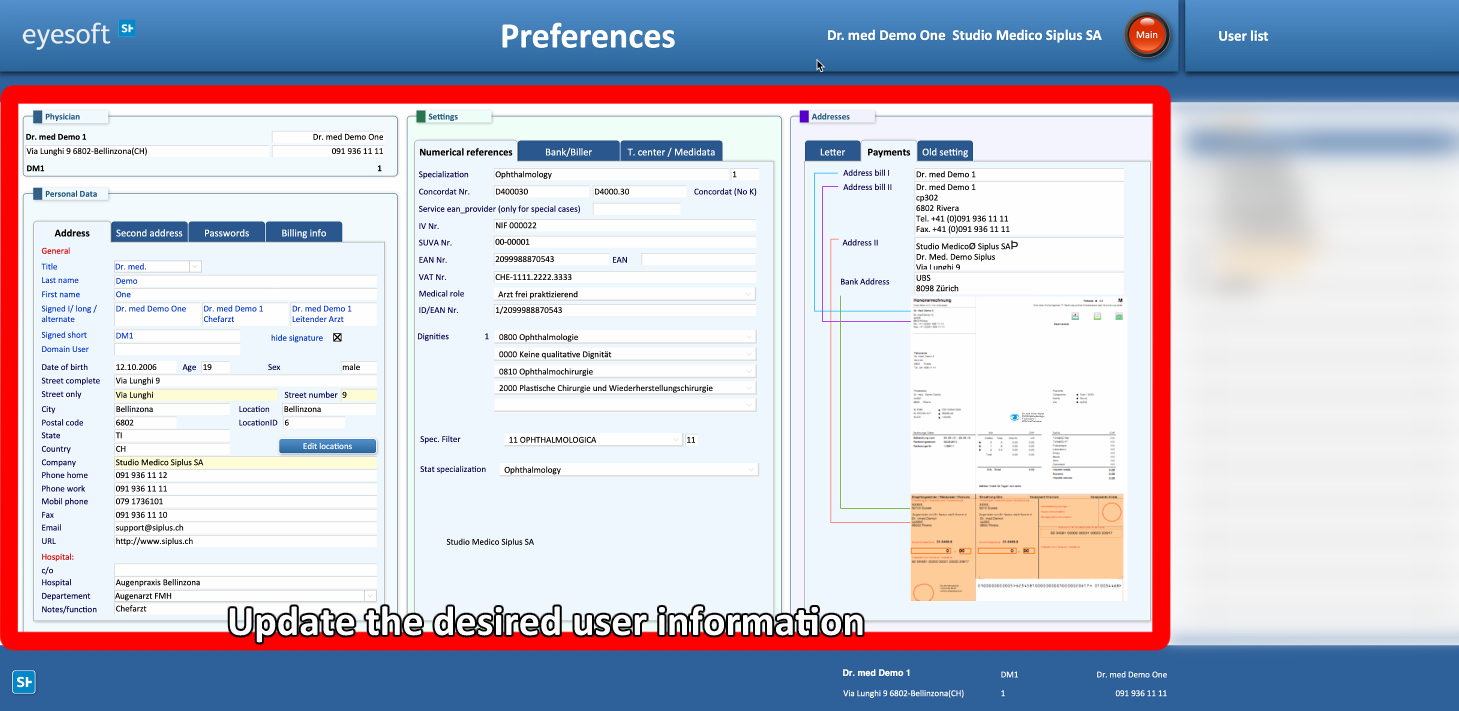
- Update the selected user’s information as required.
WARNING!
- Any inaccuracies in the data entered may lead to errors during the billing process. To prevent potential inconsistencies, avoid copying and pasting data from external sources.
2. User update in the Agenda
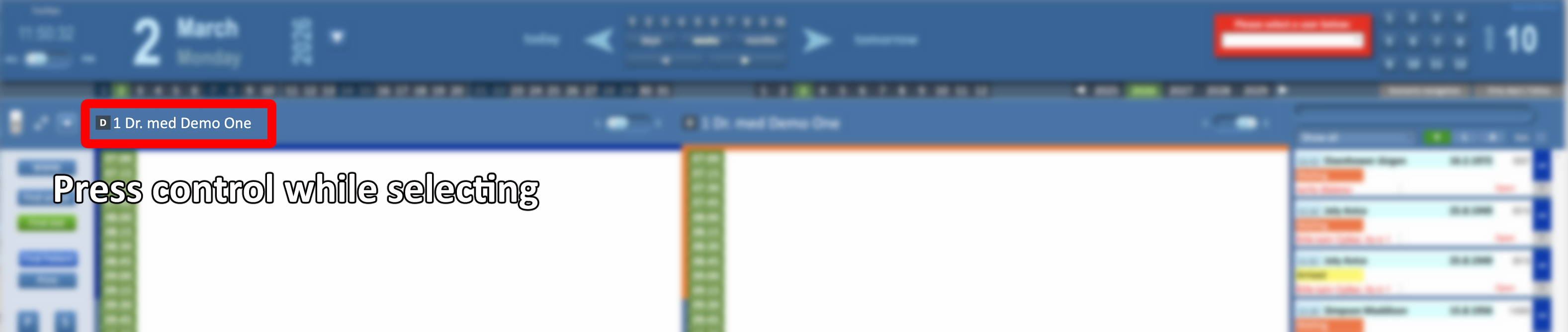
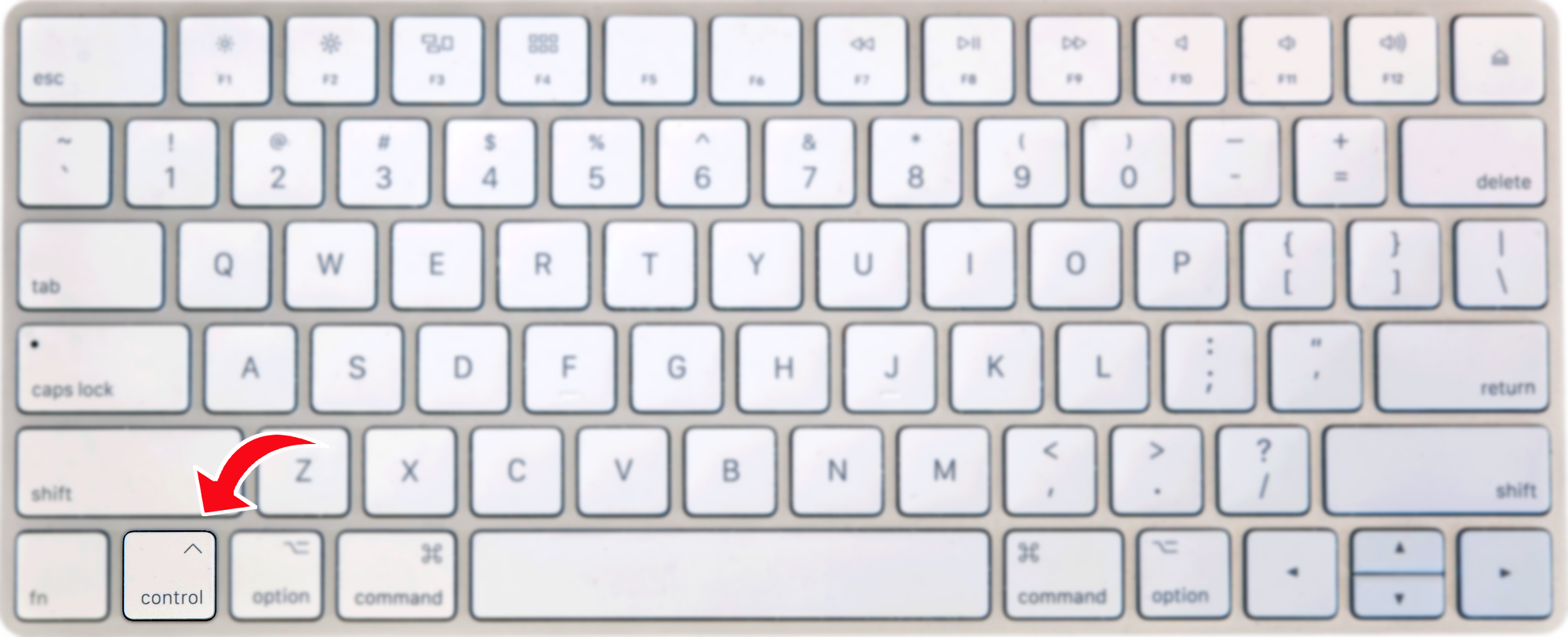
- While holding down the Ctrl key, select the desired user name.
- Choose List.

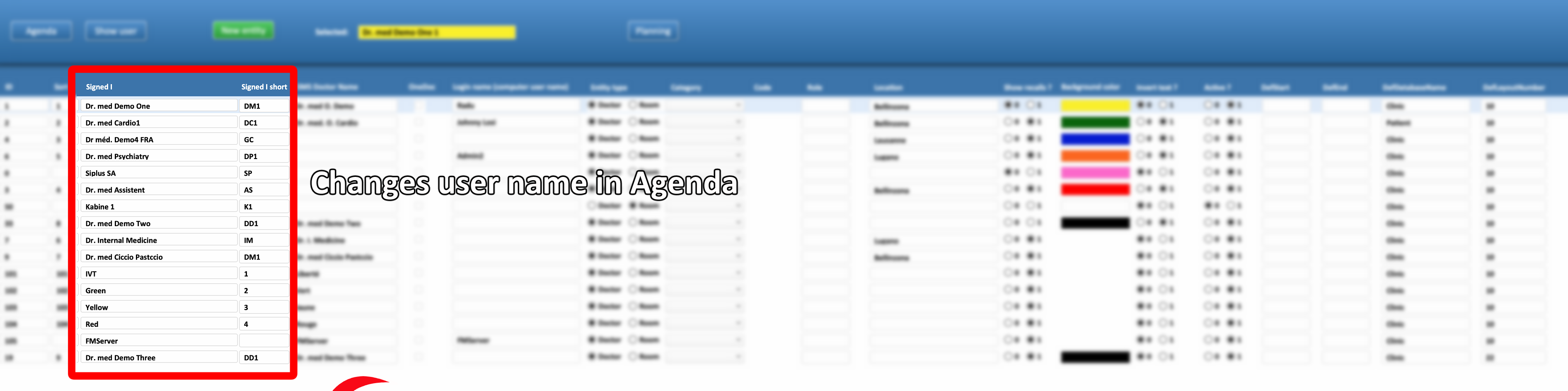
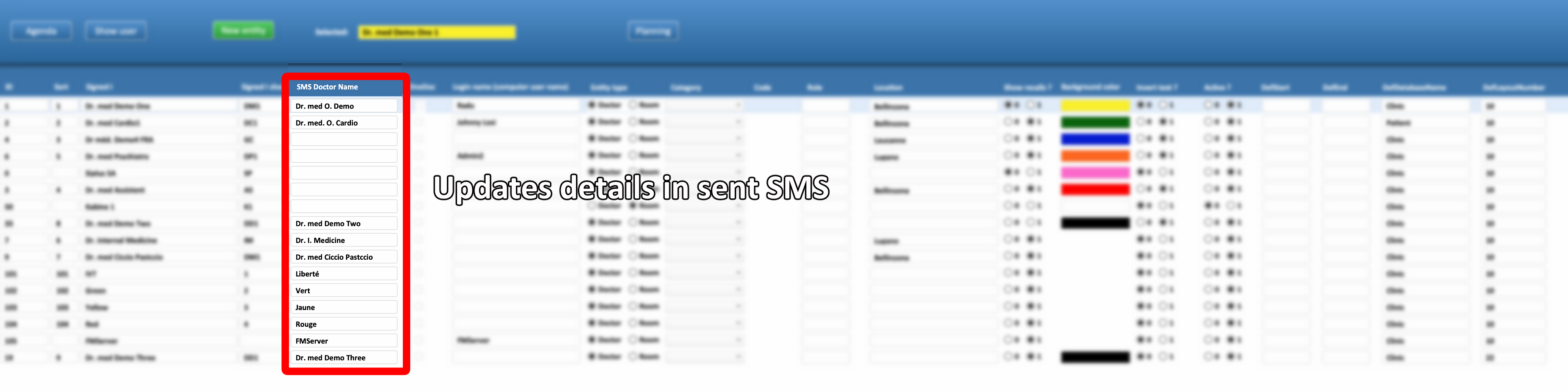
- Modifying these fields will change the user’s name in the Agenda.