Starting - 05. Using the Notes function

Mar 20, 2026
 1
1
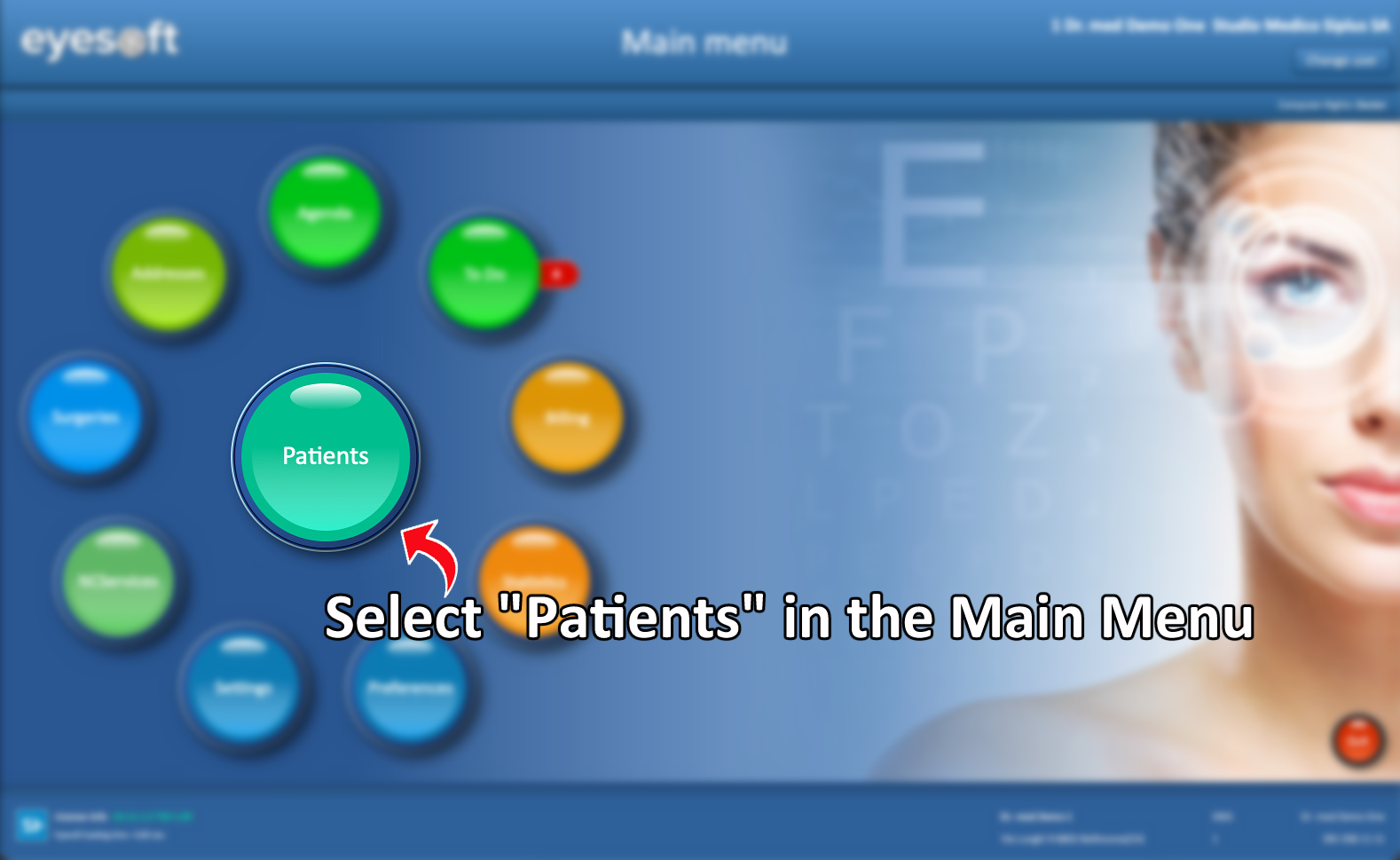
- To access a patient’s profile, select Patients from the Main Menu, search for the patient, and open their record.
-
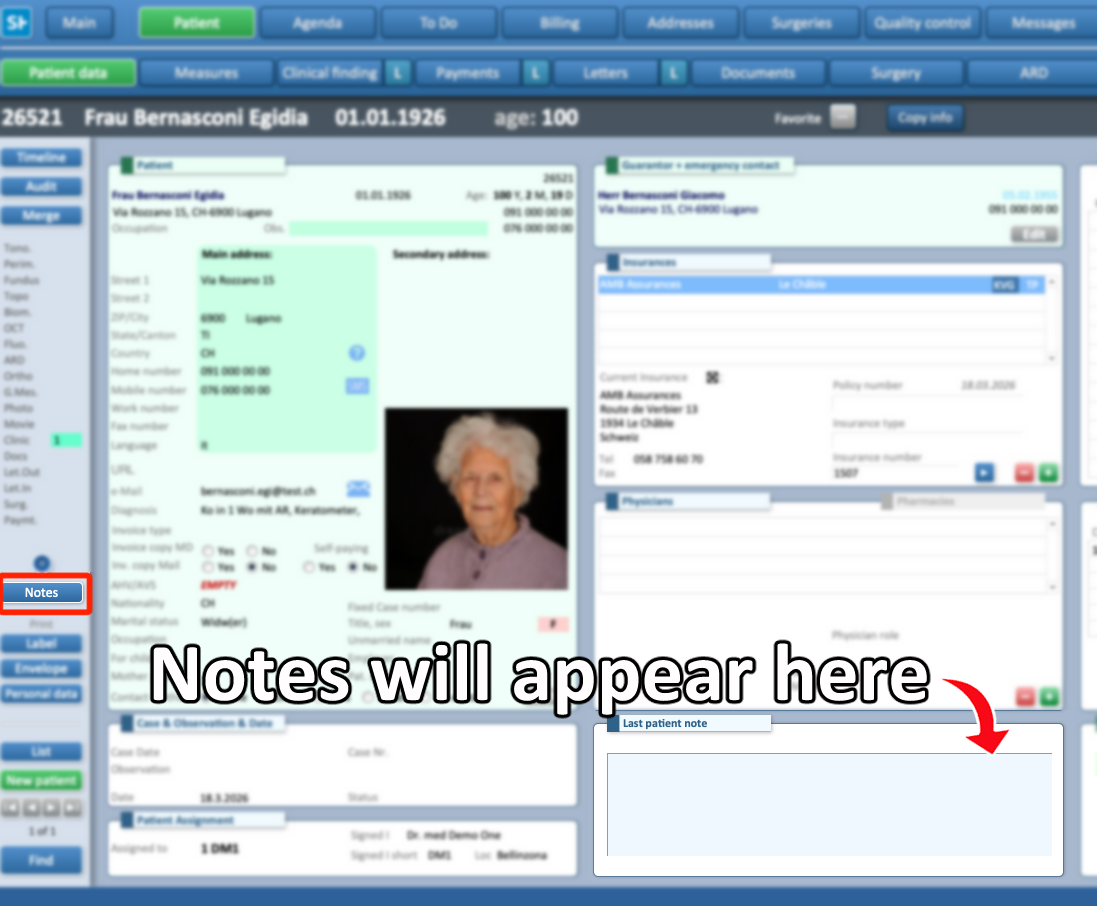
In the middle column, at the bottom of the screen, you will find the Notes section, which displays existing notes.
-
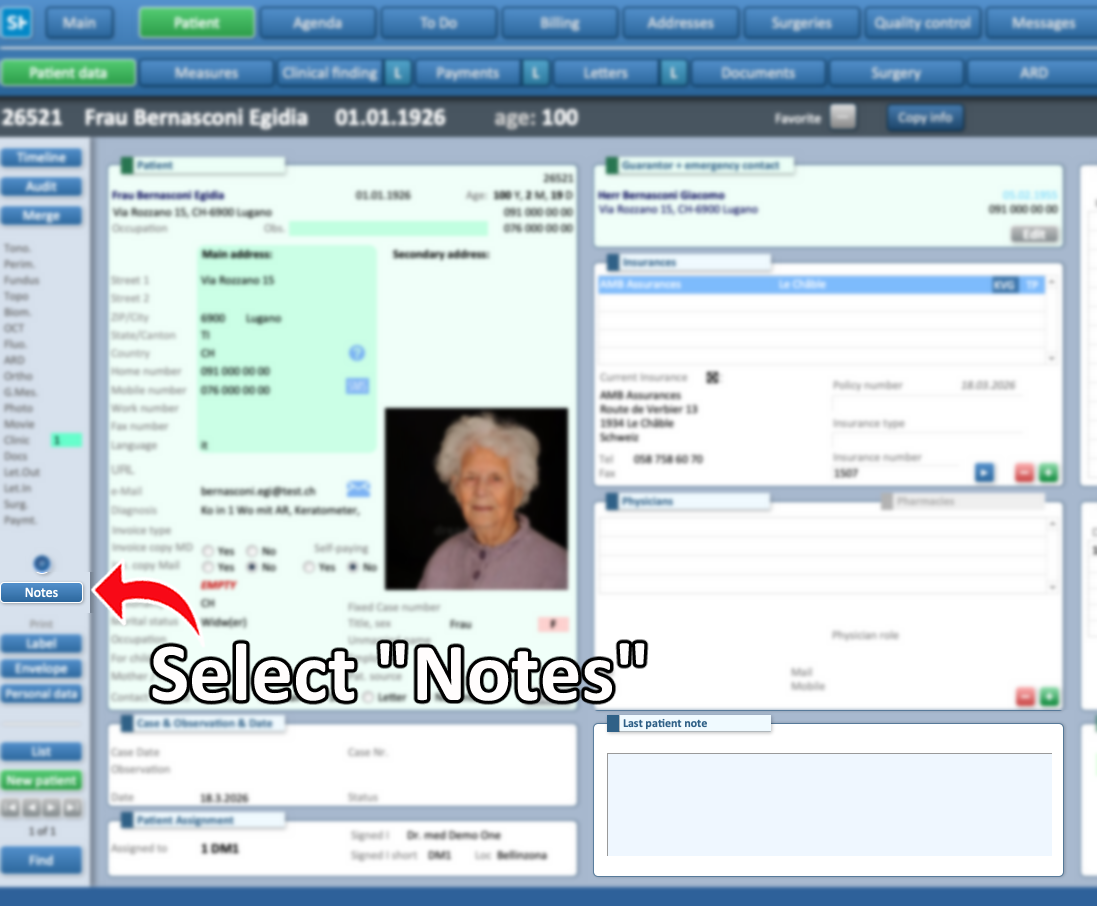
To add or modify notes, click the Notes button on the far left of the screen.
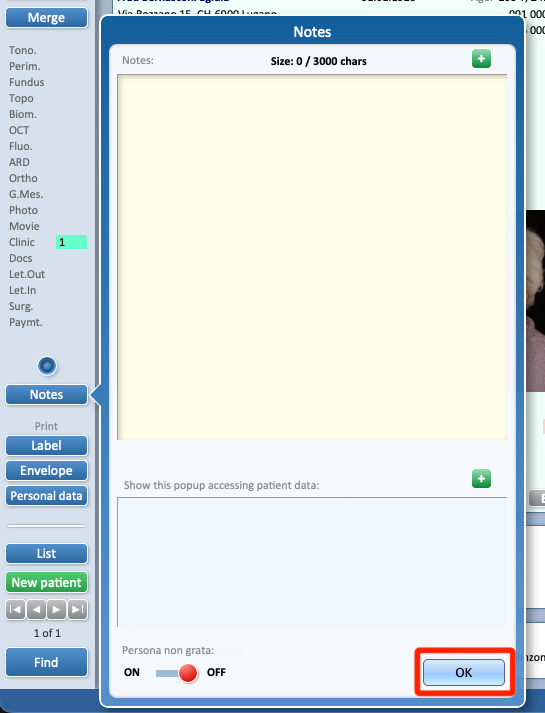
- The top field is used for general note-taking.
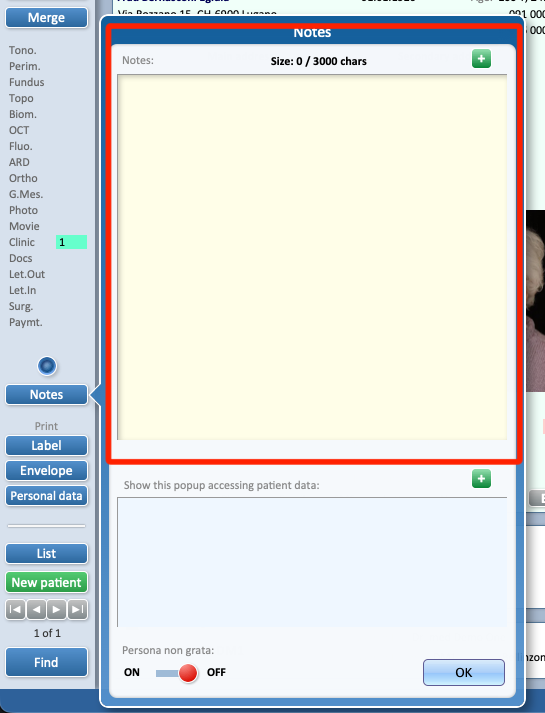
-
The lower field, if completed, will automatically appear (“pop up”) when accessing the patient’s data during billing or appointment creation.
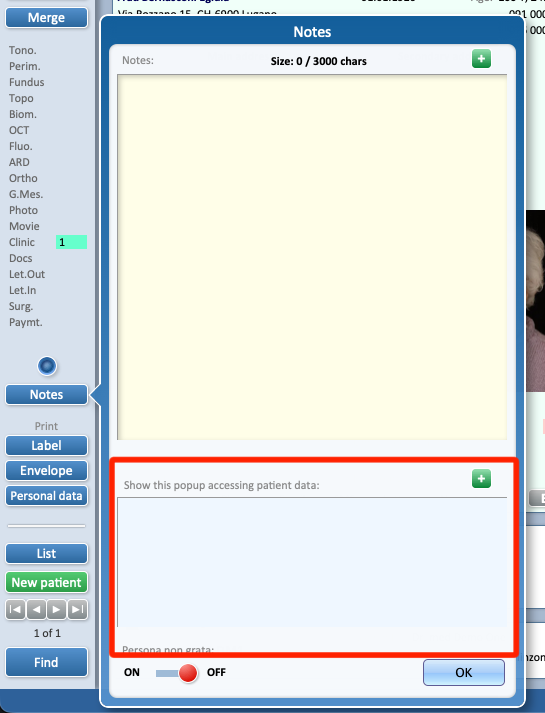
-
After entering the desired information, click OK to close the pop-up and save the note.