

Patient - Adding Physicians

Last updated: Jun 12, 2026
320
views

1. Add a Physician from the Main Menu
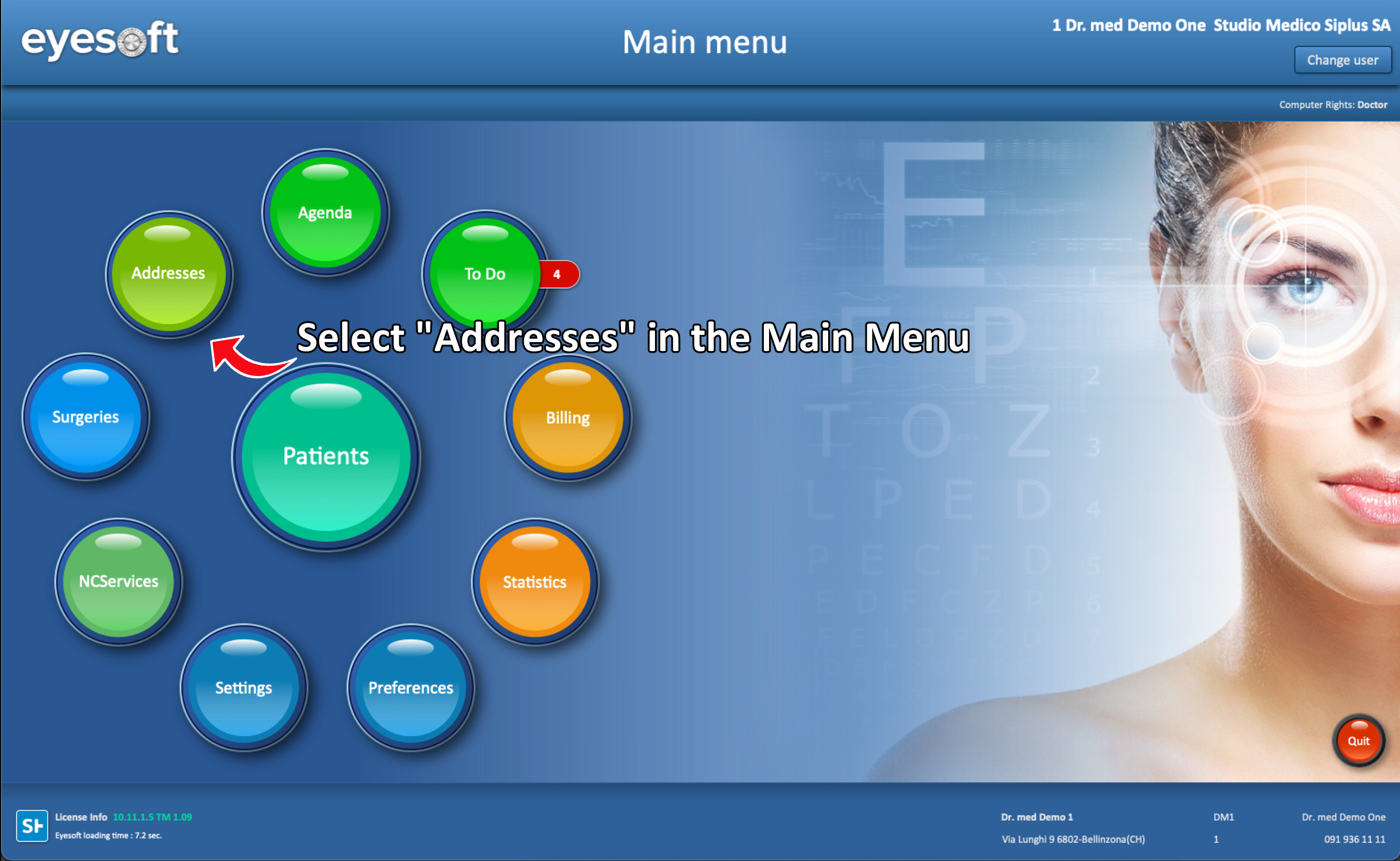
- From the Main Menu, select Addresses.
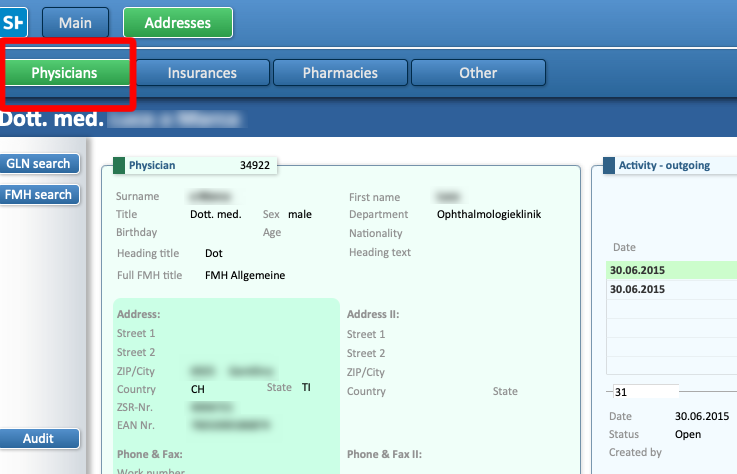
- In the layout, ensure that Physicians is selected at the top.
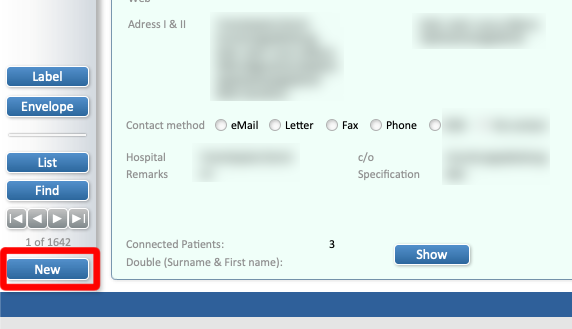
- To create a new physician, click New at the bottom of the screen.
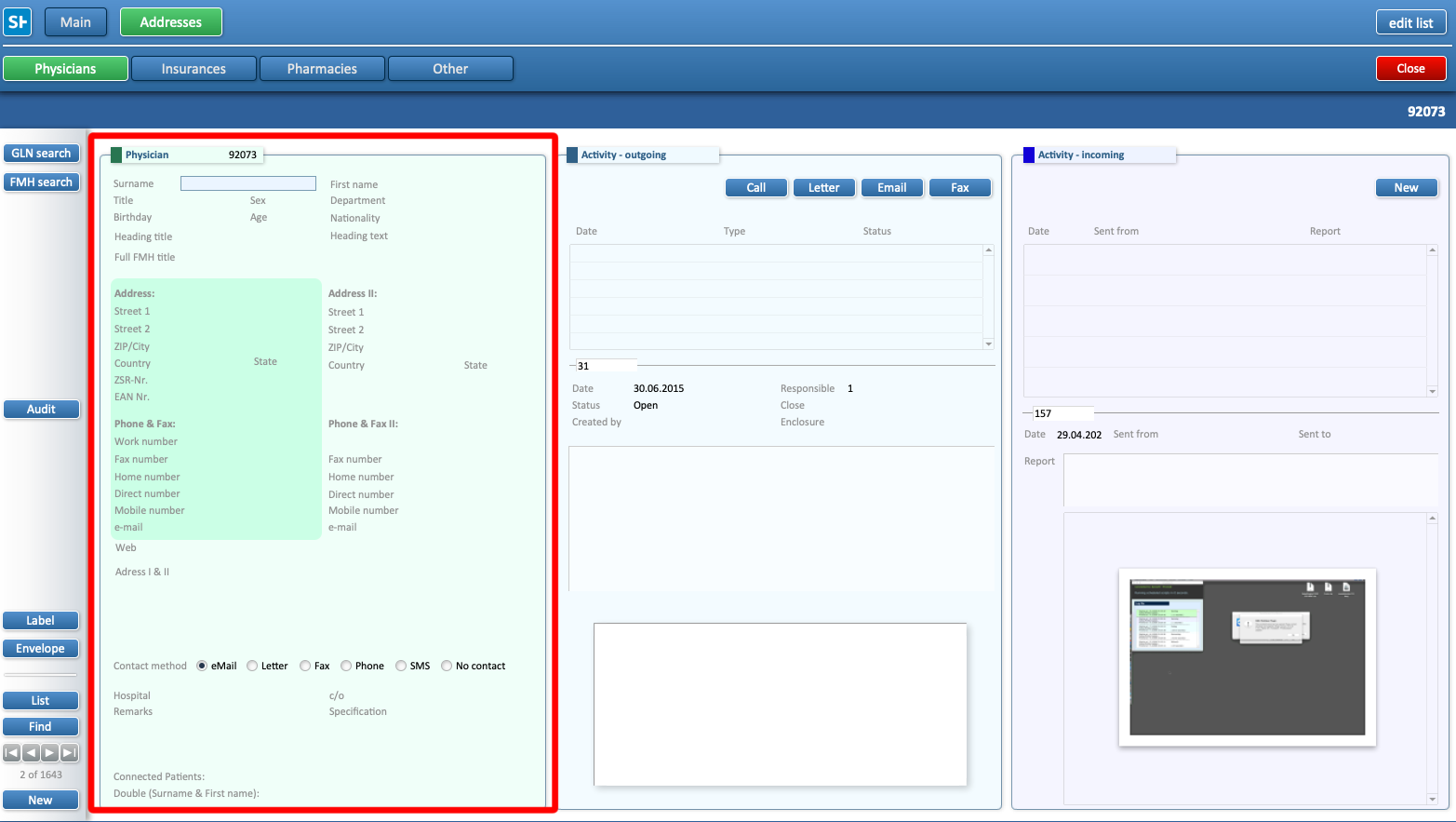
- A new Physician form will open, complete all the relevant fields
- Once saved, the physician will be available to assign to patient profiles.

