


Agenda - Presets

Mar 23, 2026
 3
3
The agenda allows up to 10 columns to be displayed, which can be adjusted according to each doctor’s needs.
To adapt the layout to the user's needs, the Preset function can be used to modify the number of users and/or columns displayed in the Agenda.
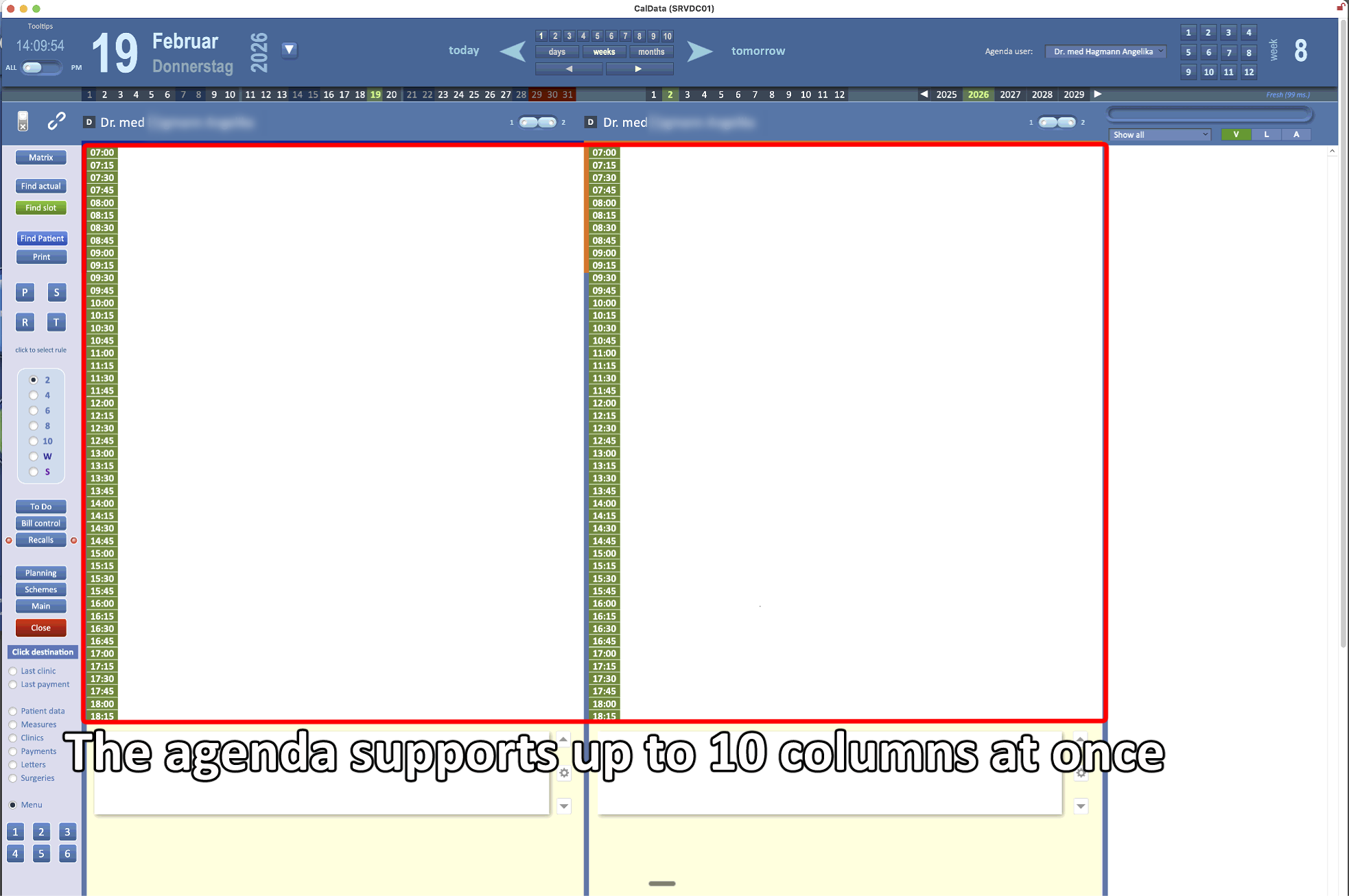
To personalize the layout, follow the steps below:
- In the Main Menu, select Agenda
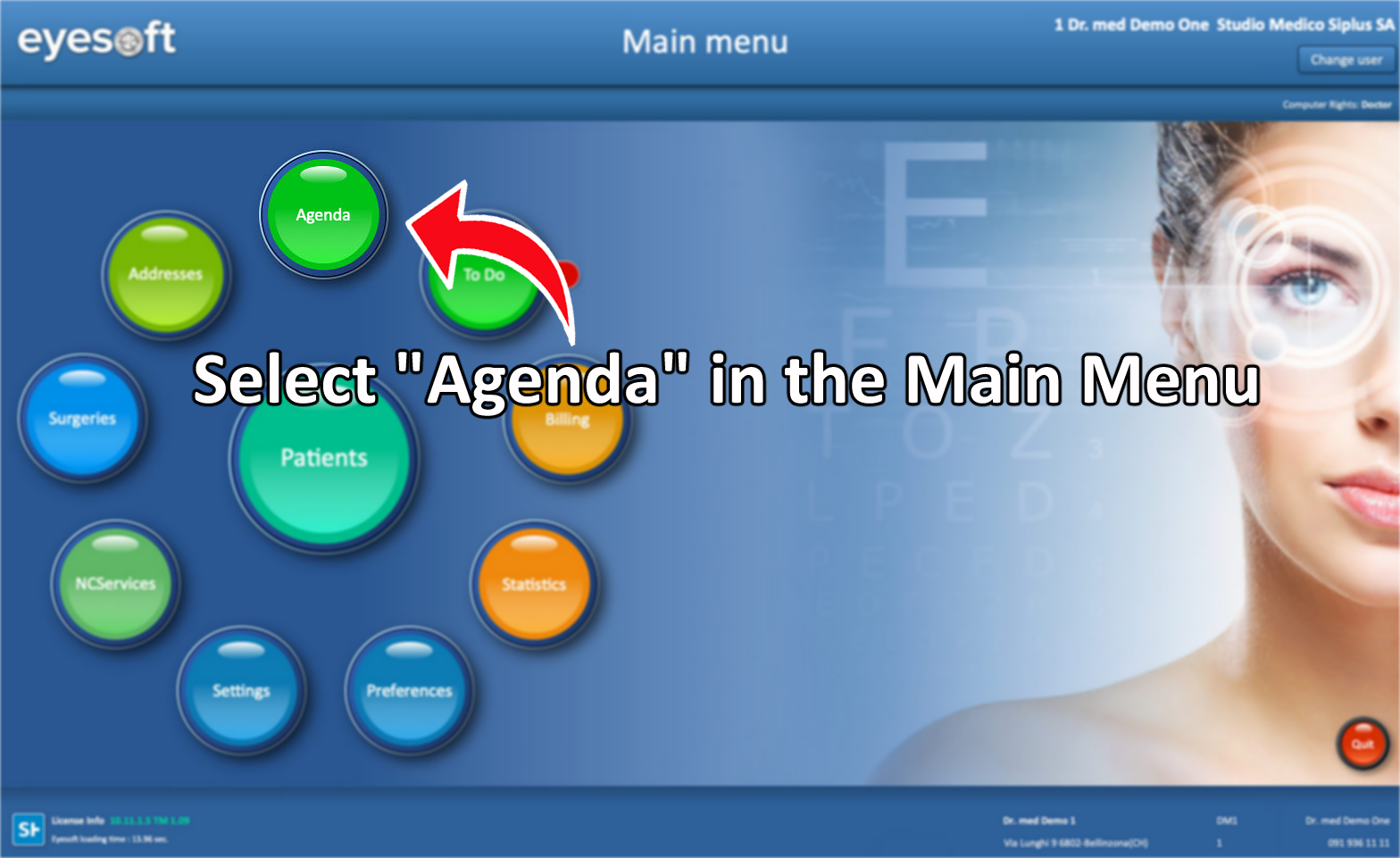
-
Click the P (Presets) button while holding Shift on the keyboard.
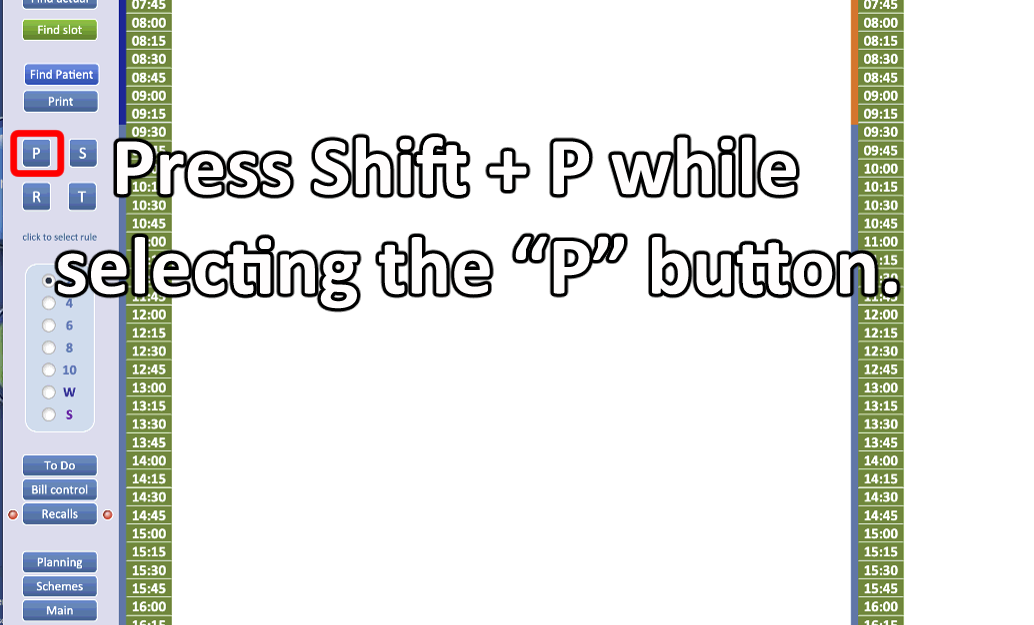
-
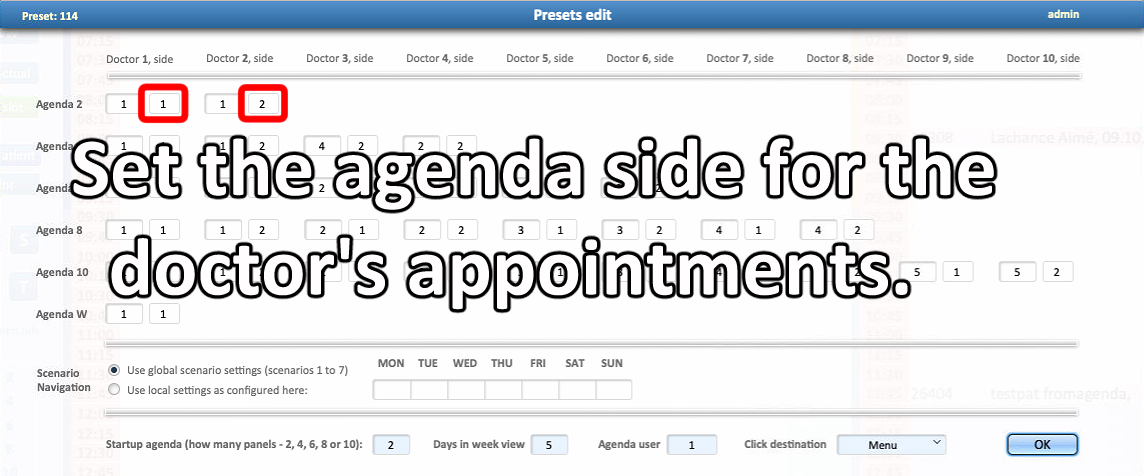
In the left fields, specify the doctor’s ID number in the agenda.
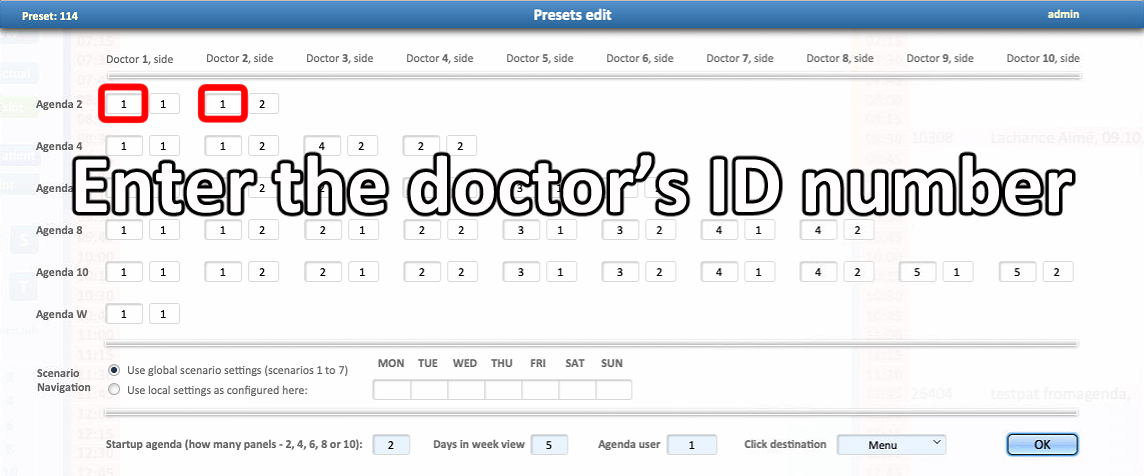
-
On the right side, specify the column where the doctor’s appointments should appear.
-
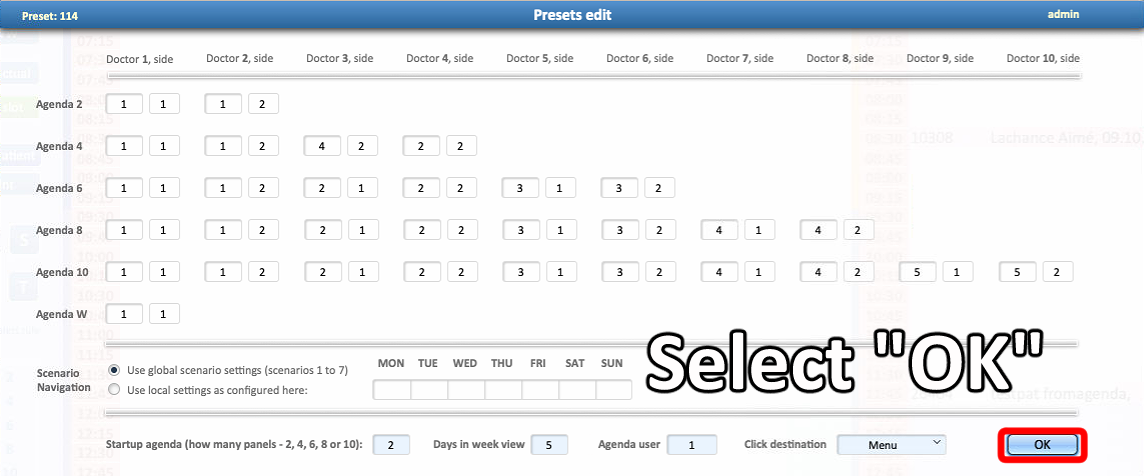
Once finished, click OK to close the window.
-
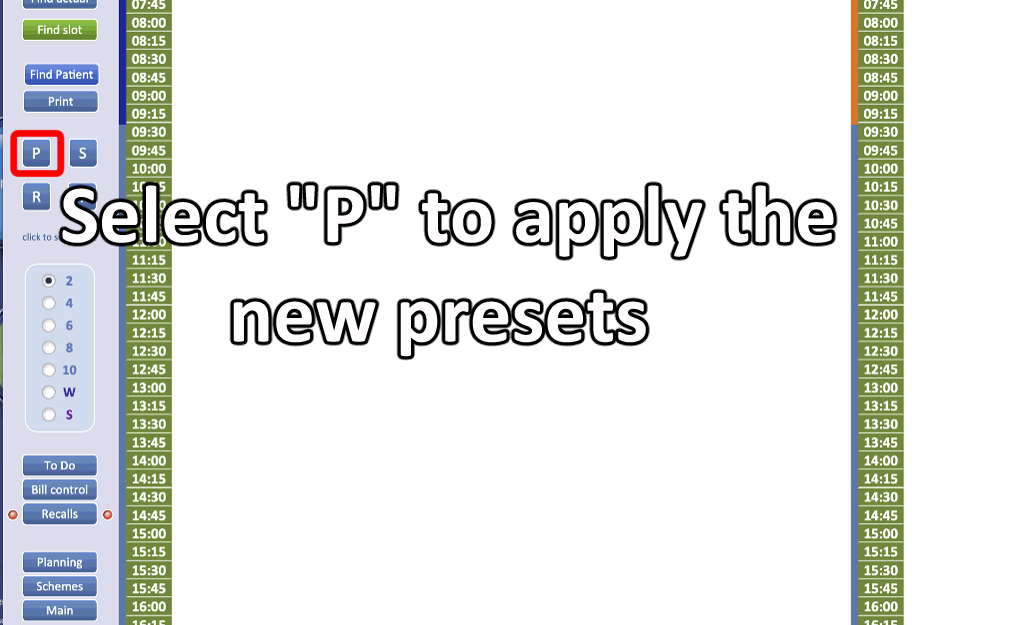
After the window closes, press “P” (Presets) again to apply the changes.
- New settings will be applied
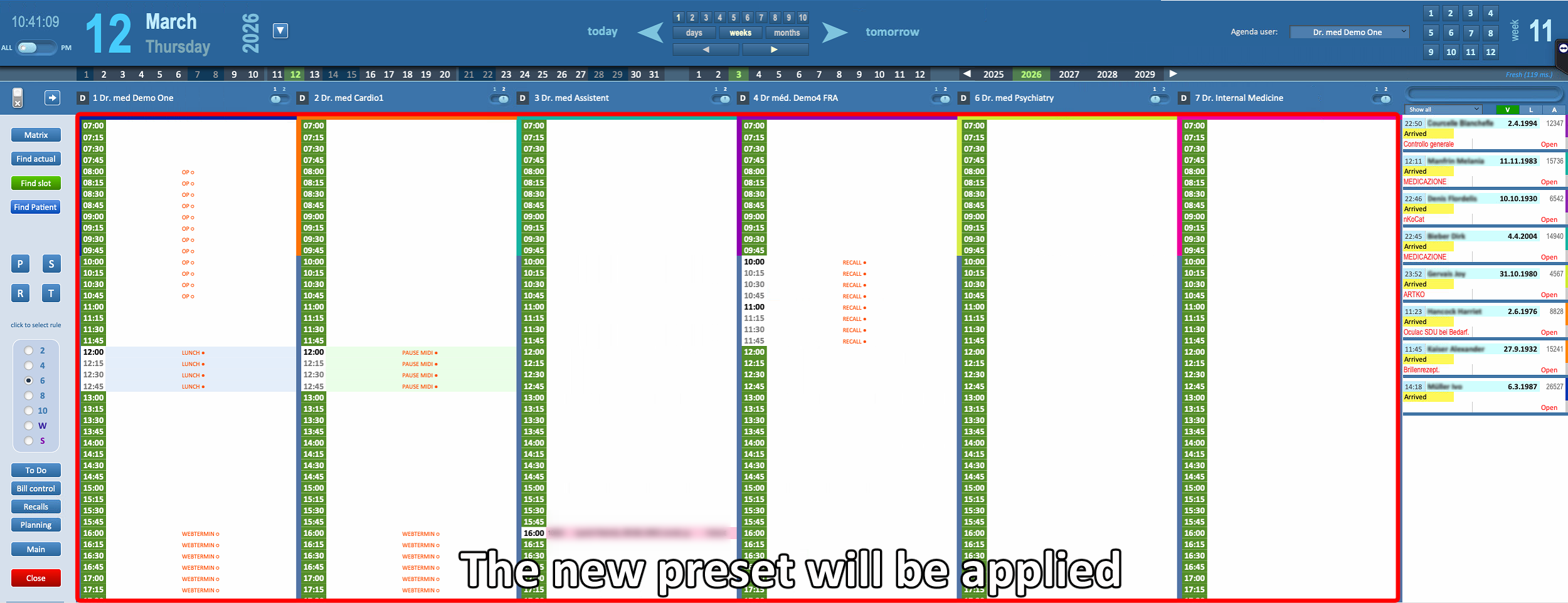
⚠ Columns can contain different doctors and can be configured for multiple columns using presets.

