


Patient - Perform Advanced Find

Mar 04, 2026
 23
23
- From the Main Menu, select Patients.

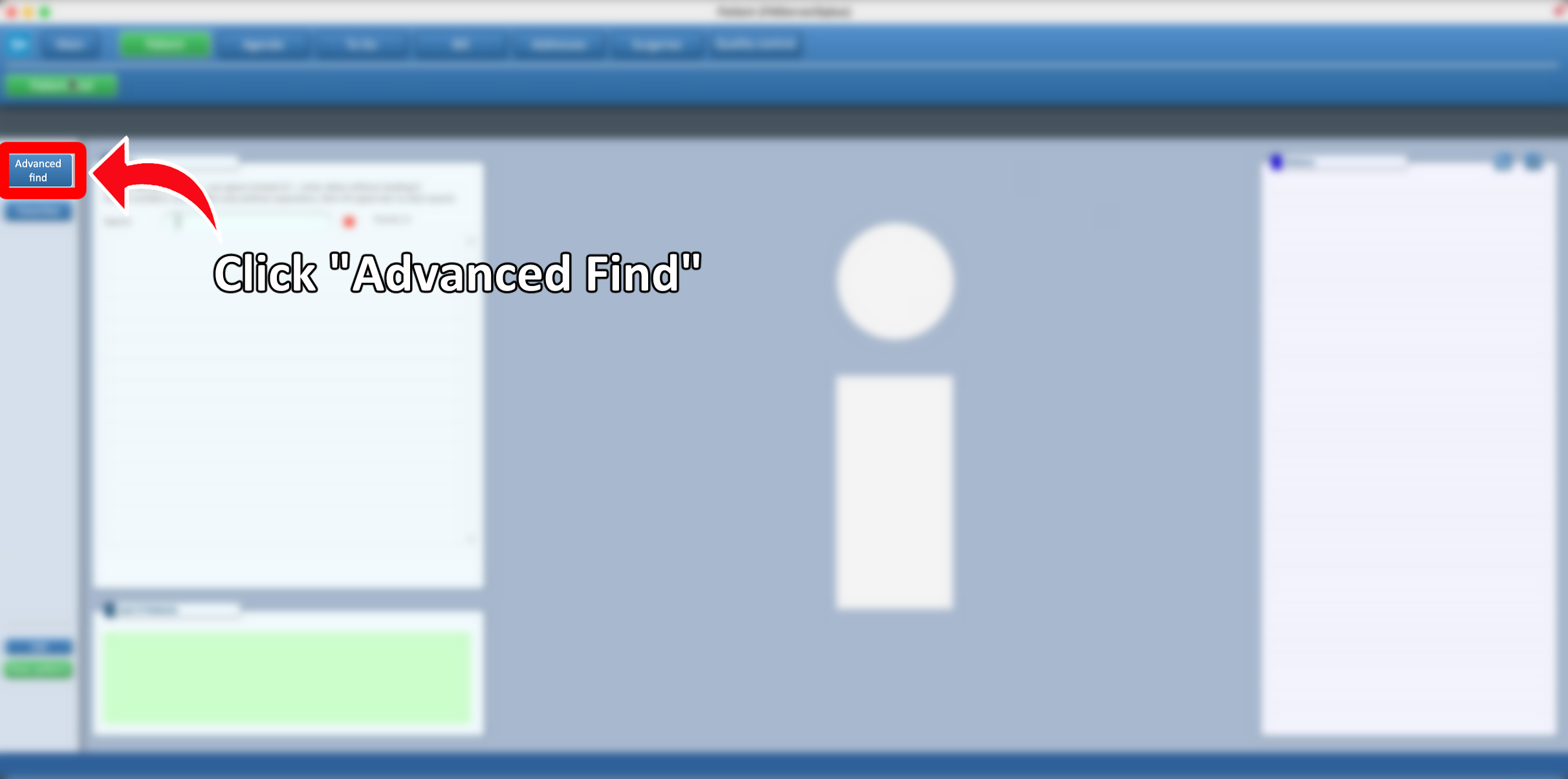
- From the available options, select Advanced Find.
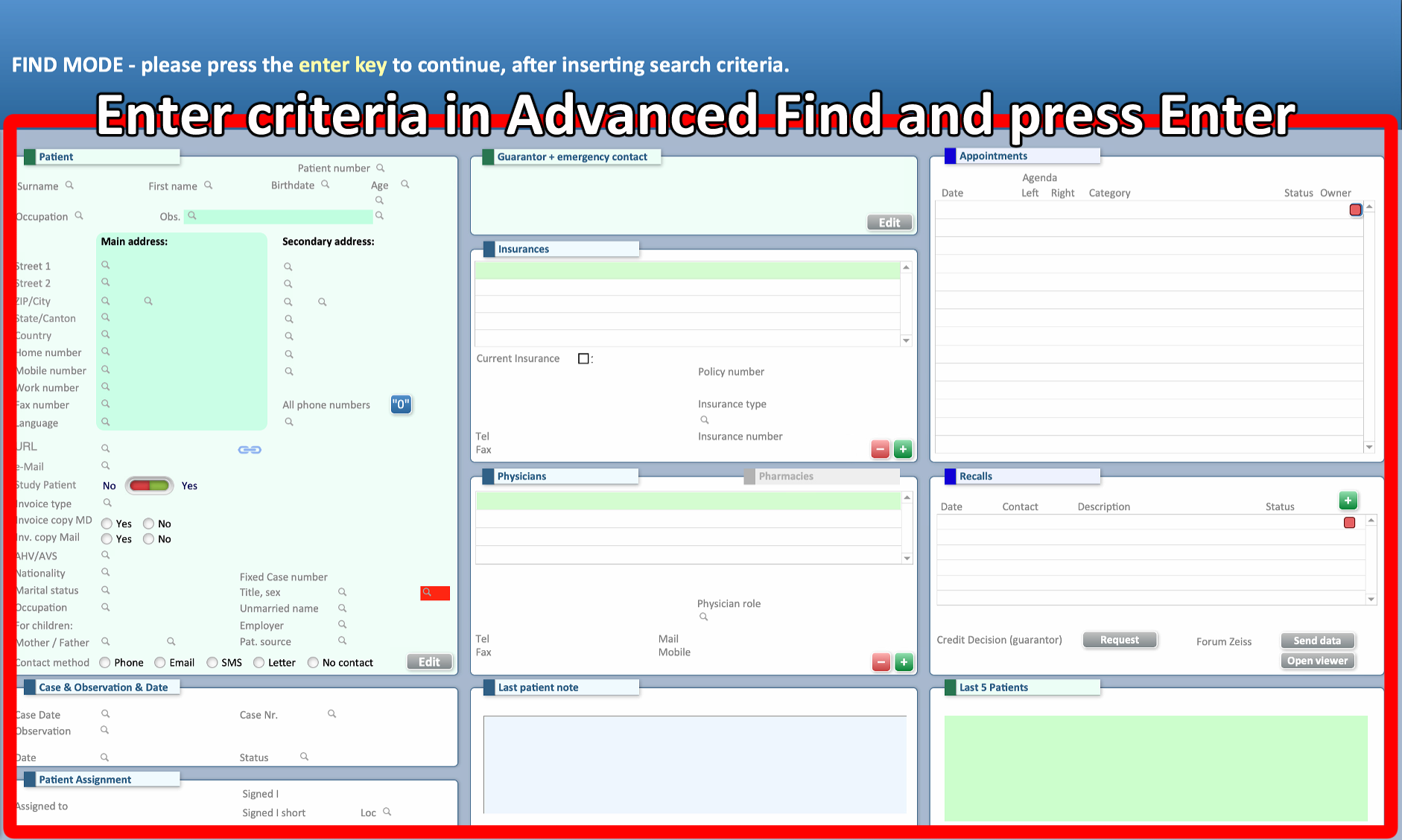
- In Advanced Find, fill in all required search criteria, then press Enter to execute the search.
- By clicking the button with the "i," a search interface will open. In cases involving a large volume of data, it may not display all results. In such situations, it is recommended to use the Advanced Find function.

