

Preferences - Change Email in Preferences
Last updated: Aug 10, 2026
195
views

To change the email address displayed in letters, the email address must be updated within Preferences.
⚠️ Important:
Do not modify any other information within the Preferences menu. Changing the wrong field may cause issues with the correct functioning of Eyesoft.
For this reason, follow the steps below carefully.
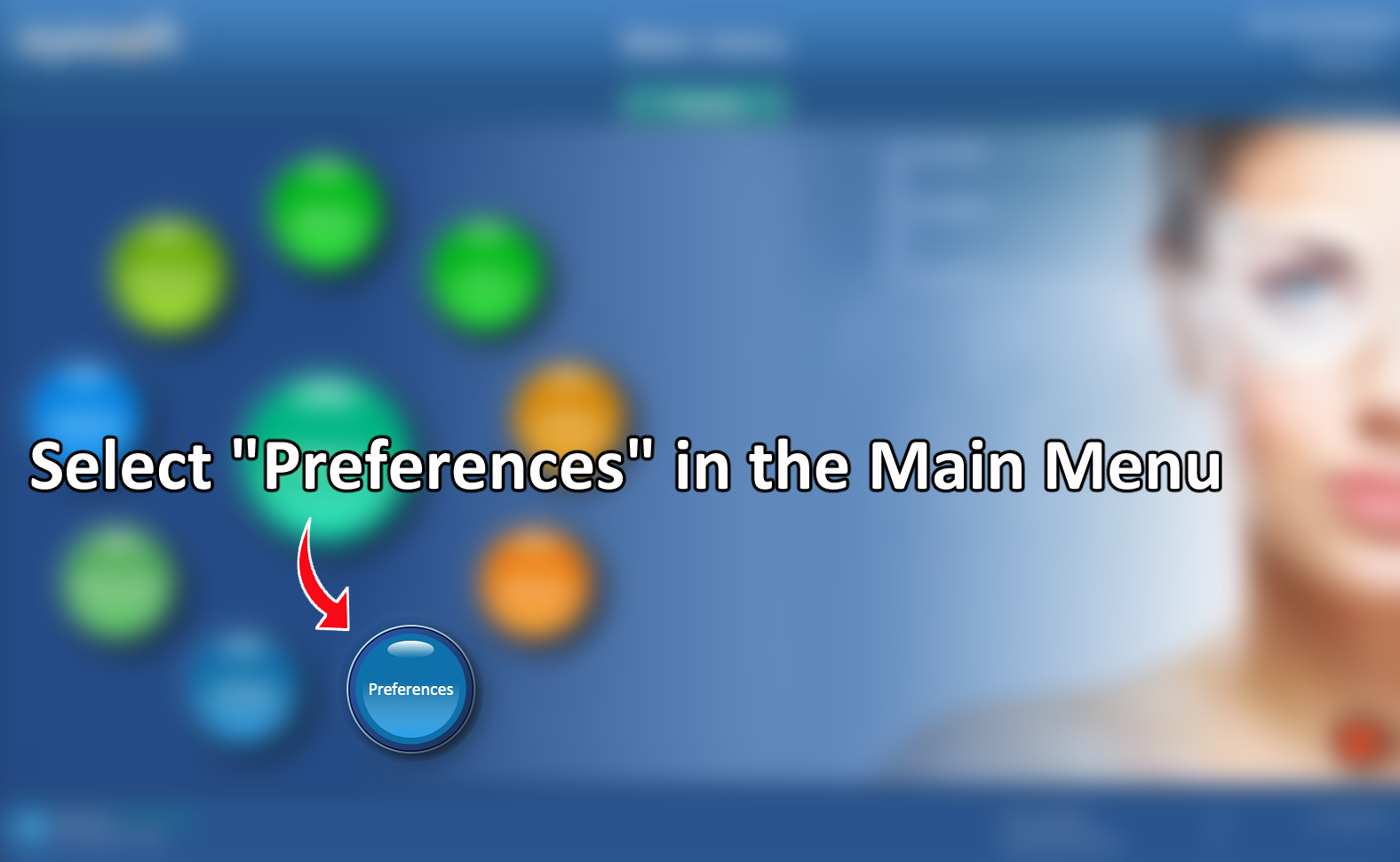
1. Open Preferences
From the main menu, select Preferences.
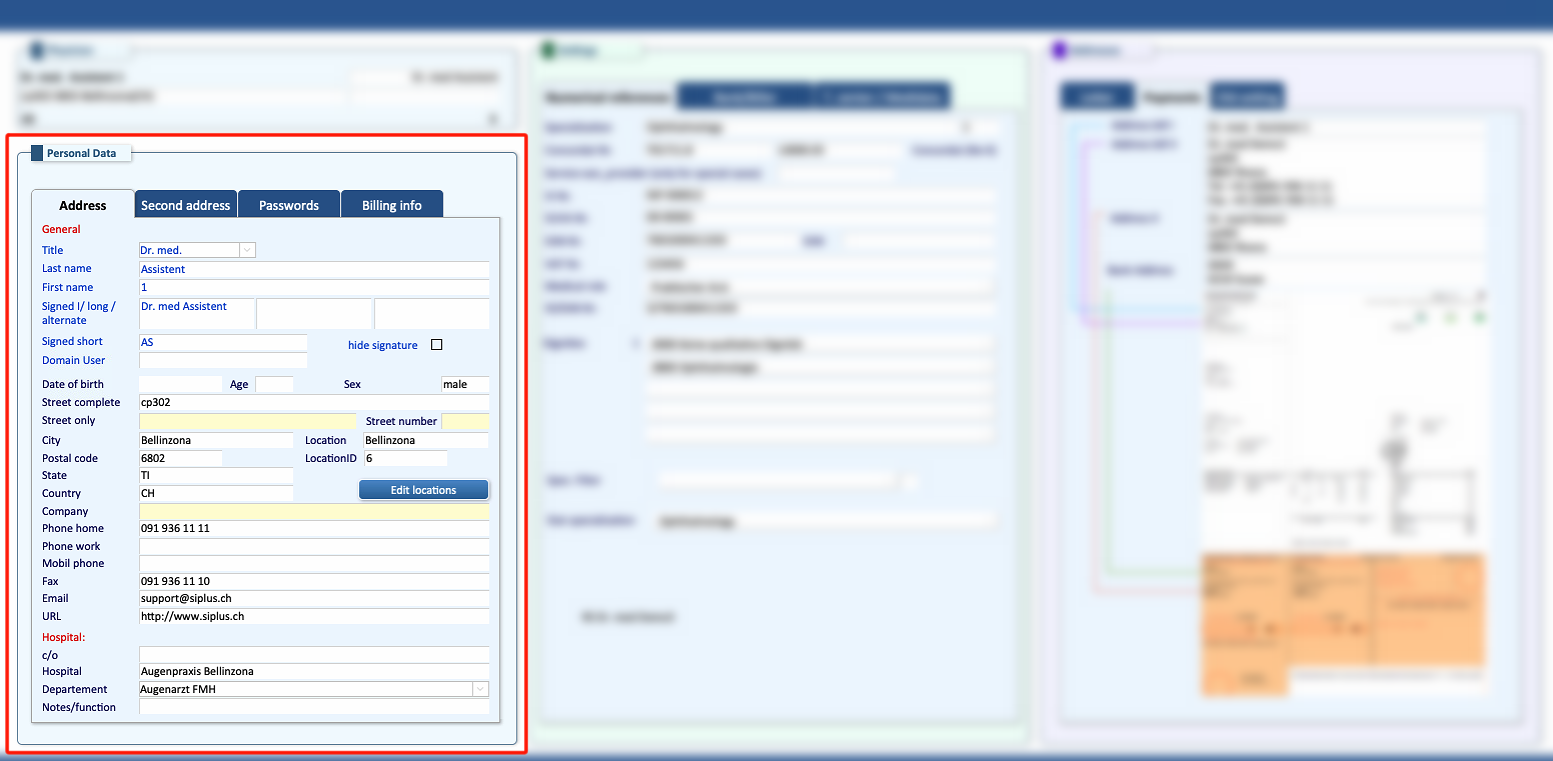
2. Locate the Email field
Within the Preferences menu, look at the bottom-left section and locate the Email field.
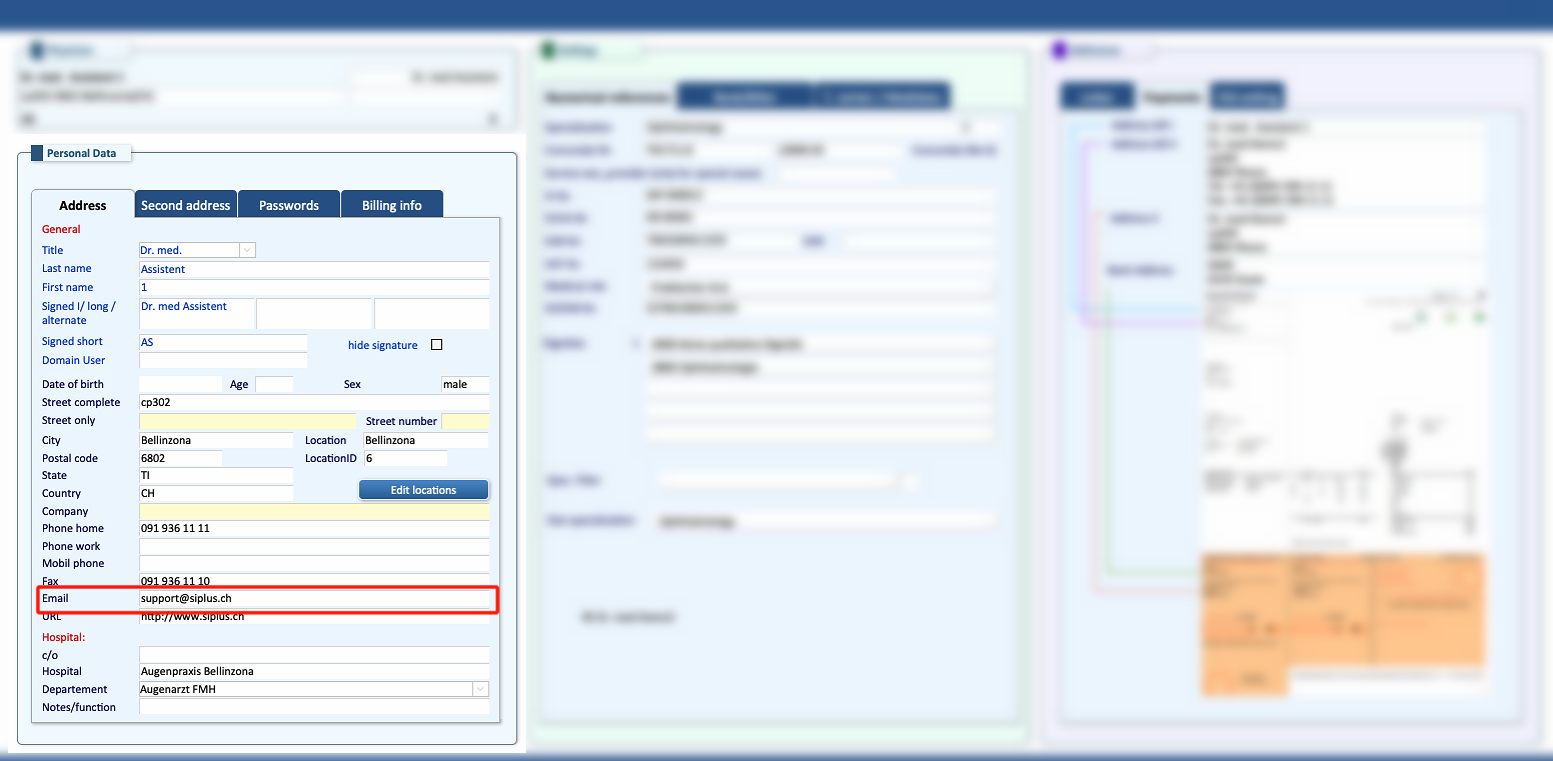
3. Update the Email Address
Replace the existing email address with the desired one.
Make sure that only the Email field is modified.
4. Confirm the Change
The email address displayed in letters has now been updated.
Preferences for different accounts can only be changed by accessing it in each specific account.

