Overview
The MediData portal is a digital platform dedicated to the management and electronic exchange of healthcare invoices between service providers (e.g. medical practices, clinics) and insurance companies. It allows to send, monitor and manage invoices in a simple, secure and centralised way.
Access Method
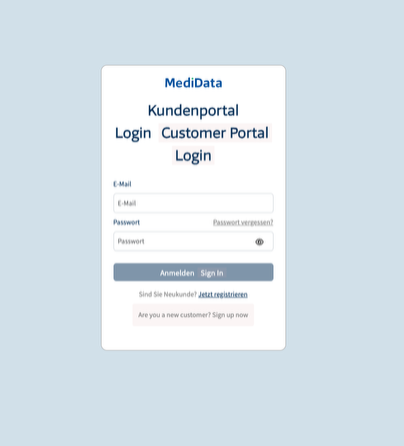
To access the portal, open the browser and go to the following address:
The following credentials are required to log in:
- Email associated with the account at the moment of registration
- Password associated to the registered account
Possible Issues During Login
Invalid credentials
- Check that the email and password are entered correctly (pay attention to upper/lower case)
- If you do not remember your password, use the reset password function available on the login page
Access denied
- If the problem persists despite correct credentials, contact MediData customer support directly for assistance
Main Page
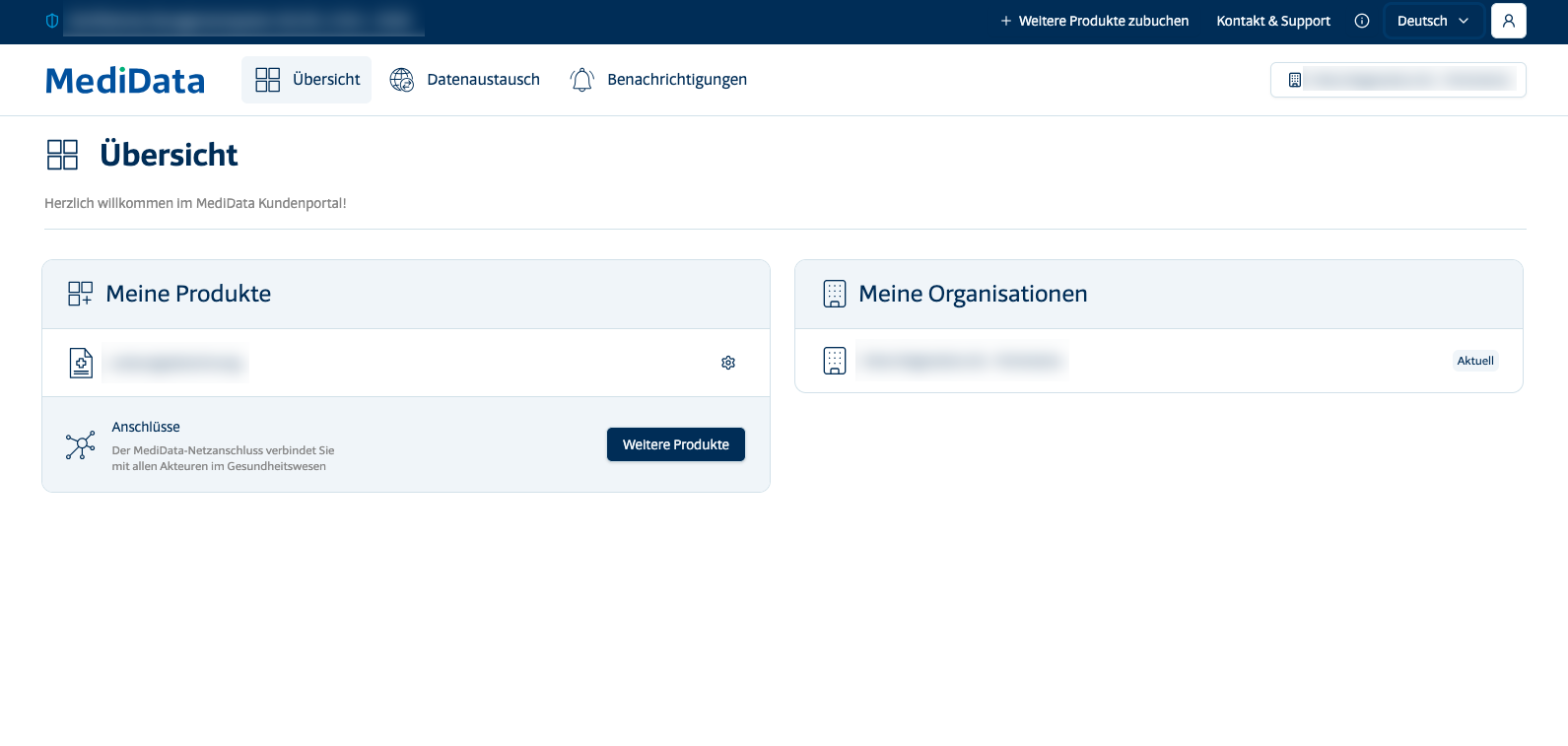
After logging in, the user will be redirected to the main page, called Overview. In this section it is possible to:
- View the active products on the user profile
- Check the organisations associated with the account
This is the general summary screen: a starting point for navigating the various features of the portal.
Data Exchange
The Data Exchange section is the operational core of the portal: here anyone logged in can monitor the status of invoices being processed in real time.
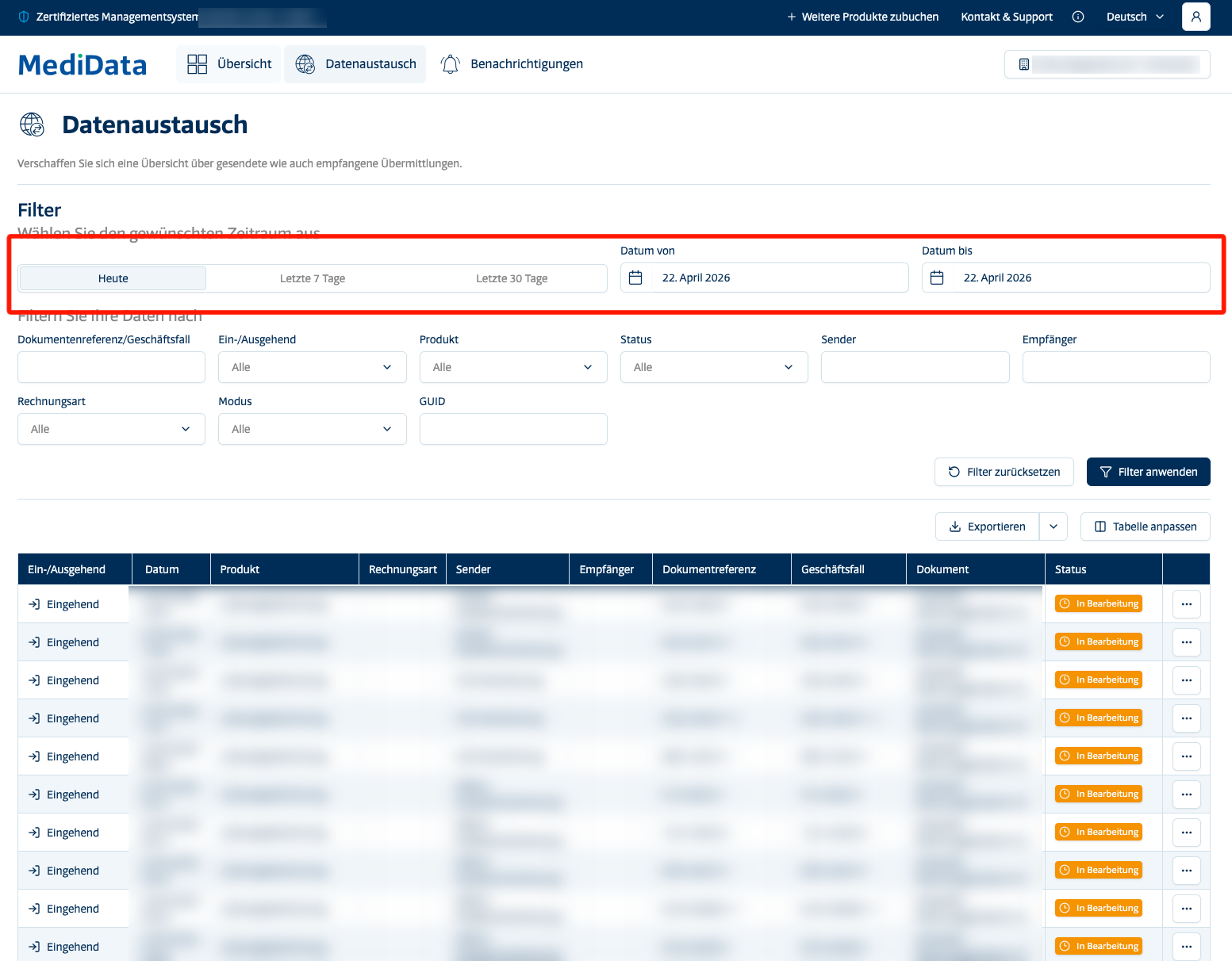
When the section is opened, the results for the current day are automatically displayed.
It is possible to extend the display range by selecting:
- Last 7 days
- Last 30 days
- Custom range, using the date filters
Available Filters
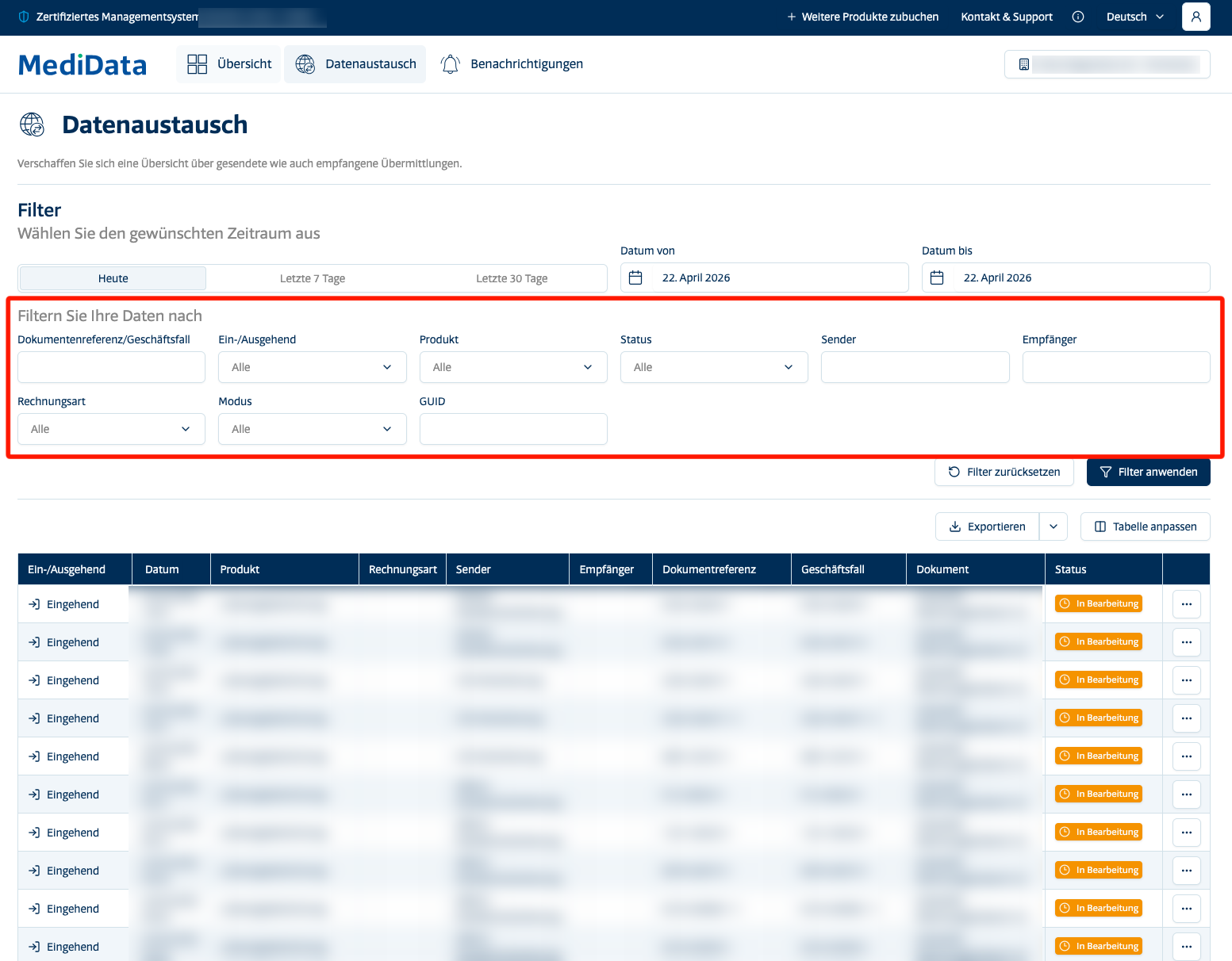
The filters allow the user to refine the search and quickly identify cases of interest:
- Document/Case – Allows to search for a specific invoice or case
- Incoming/Outgoing – Filters results based on the flow direction (sent or received invoices)
- Product – Shows only invoices related to a specific MediData product
- Status – Filters by processing status:
- Transmitted, when the invoice has been successfully delivered to the receiver

- In Progress, when the invoice has not yet been processed

- Error, when the system detects an error during processing, a notification will be sent providing a description of the issue.

- Transmitted, when the invoice has been successfully delivered to the receiver
- Sender – Filters by the party who sent the invoice
- Recipient – Filters by the party who is to receive the invoice
- Invoice type – Allows to select between types: TP, TG or TS
- Mode – Filters based on the sending method used
- GUID – Isolates data based on the GUID code, a unique identifier used to identify digital entities, such as patients, records, or research data, across different systems.
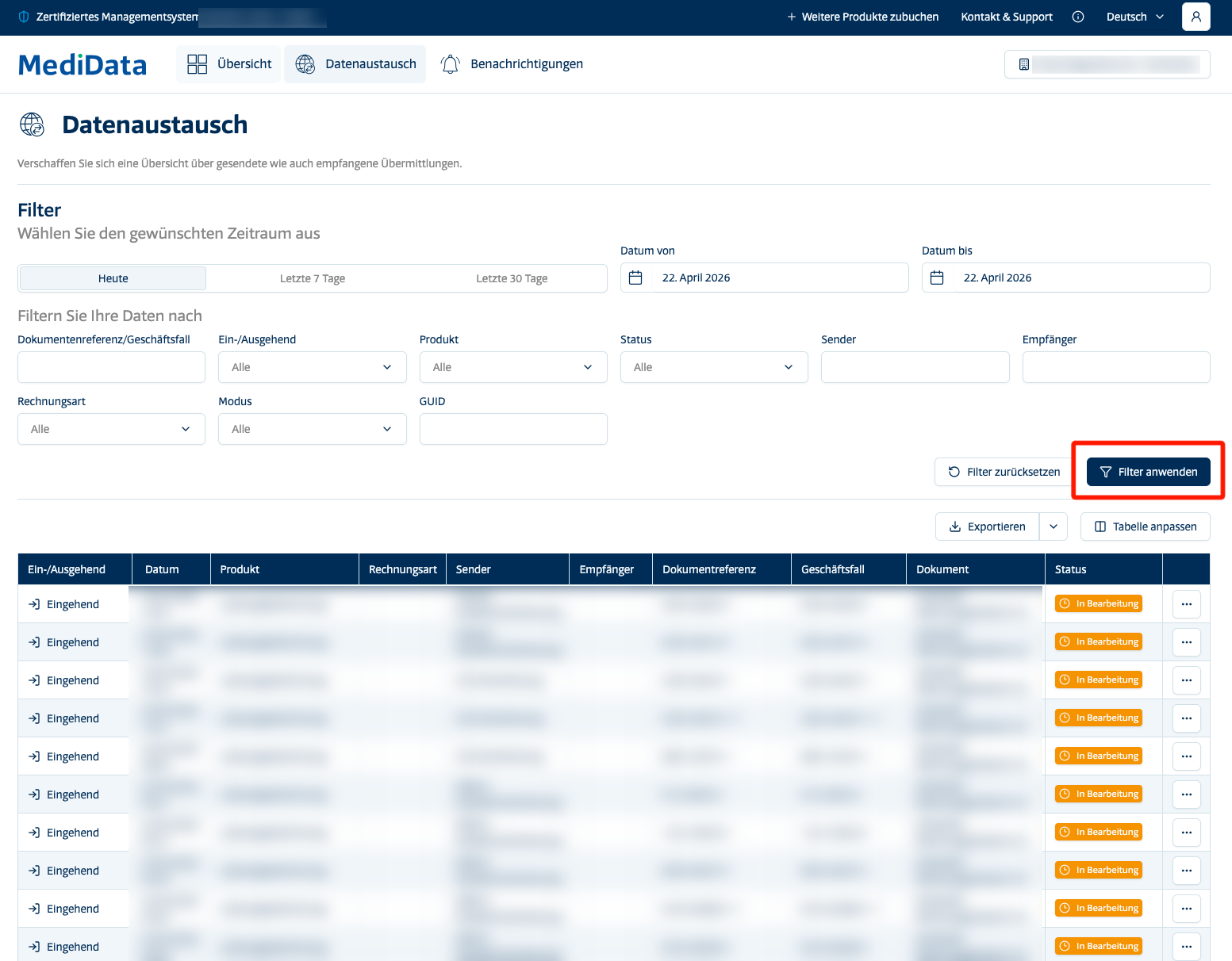
Then select Apply Filters to view the selected results
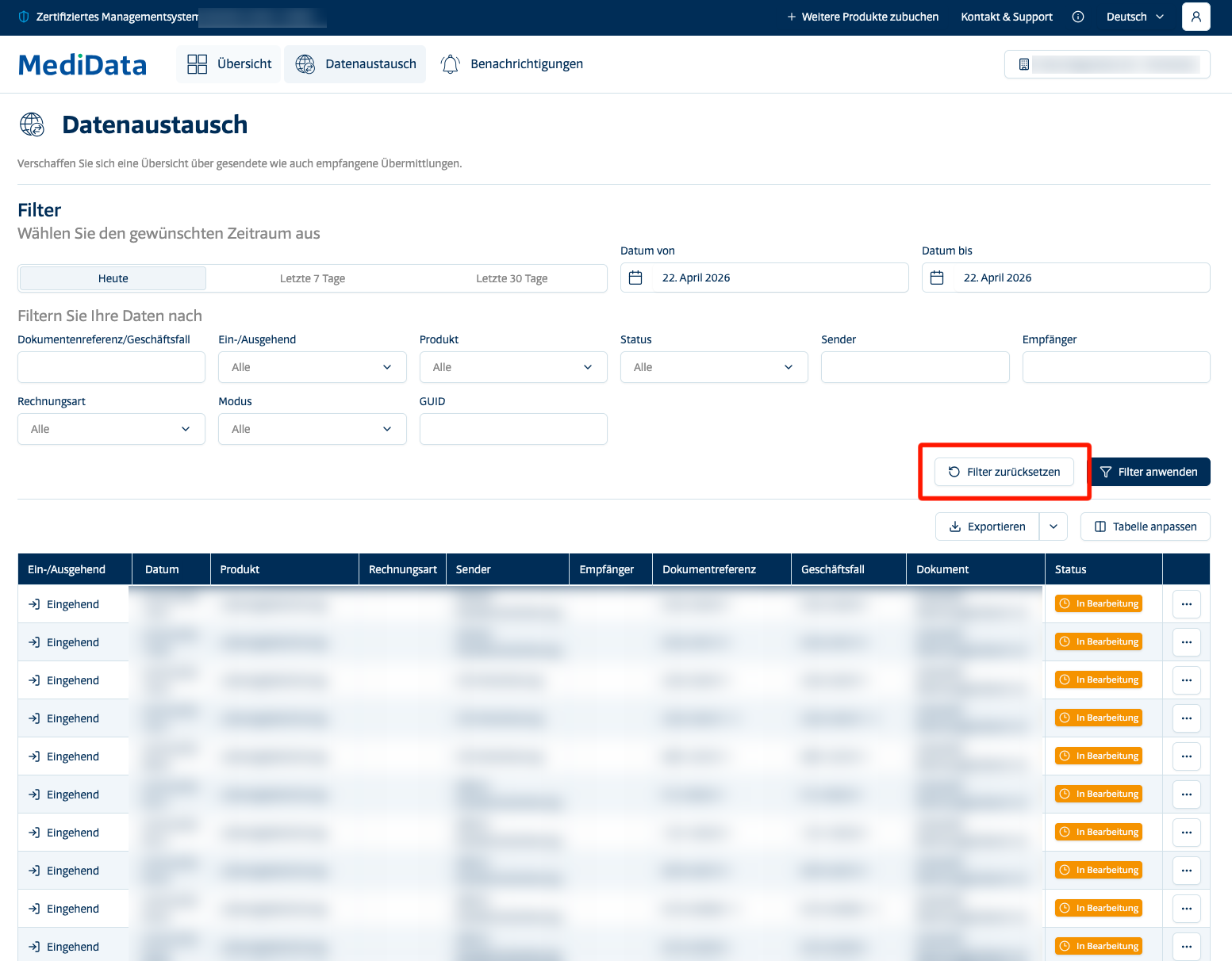
Remove Active Filters
To clear all active filters and reset the search view, click the Reset Filters button.
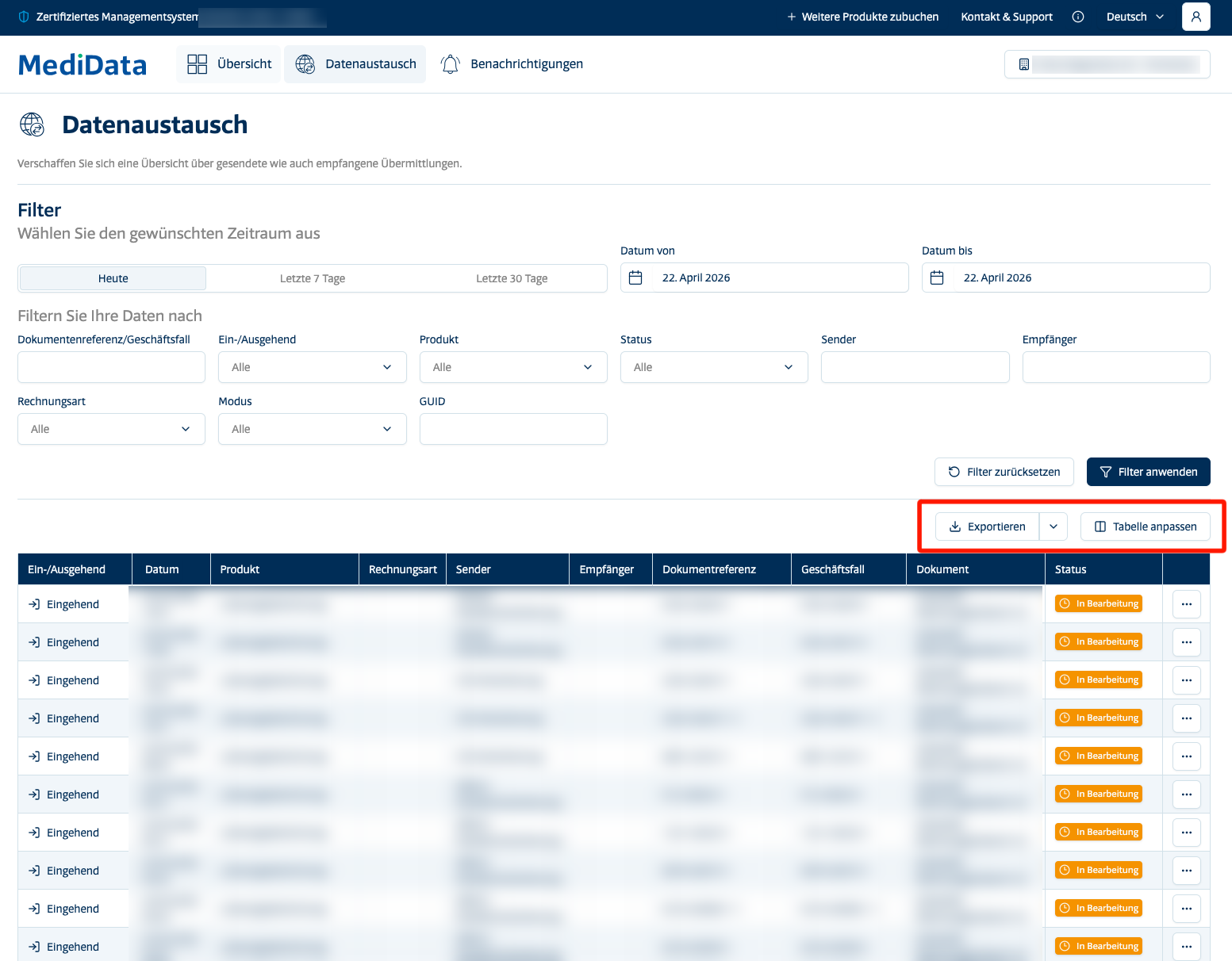
Exporting Results
Once the desired results have been retrieved through the filters, it is possible to export them by clicking on the dedicated export button. This allows the user to save and share the data outside of the portal for further analysis or record-keeping purposes.
Notifications
The Notifications section collects all communications sent by MediData to your account. It is useful for staying up to date on any alerts, confirmations or reports related to your invoices.
All unread messaged will be displayed on a list below the filters. the number of unread messaged are shown on the side of the notification option.
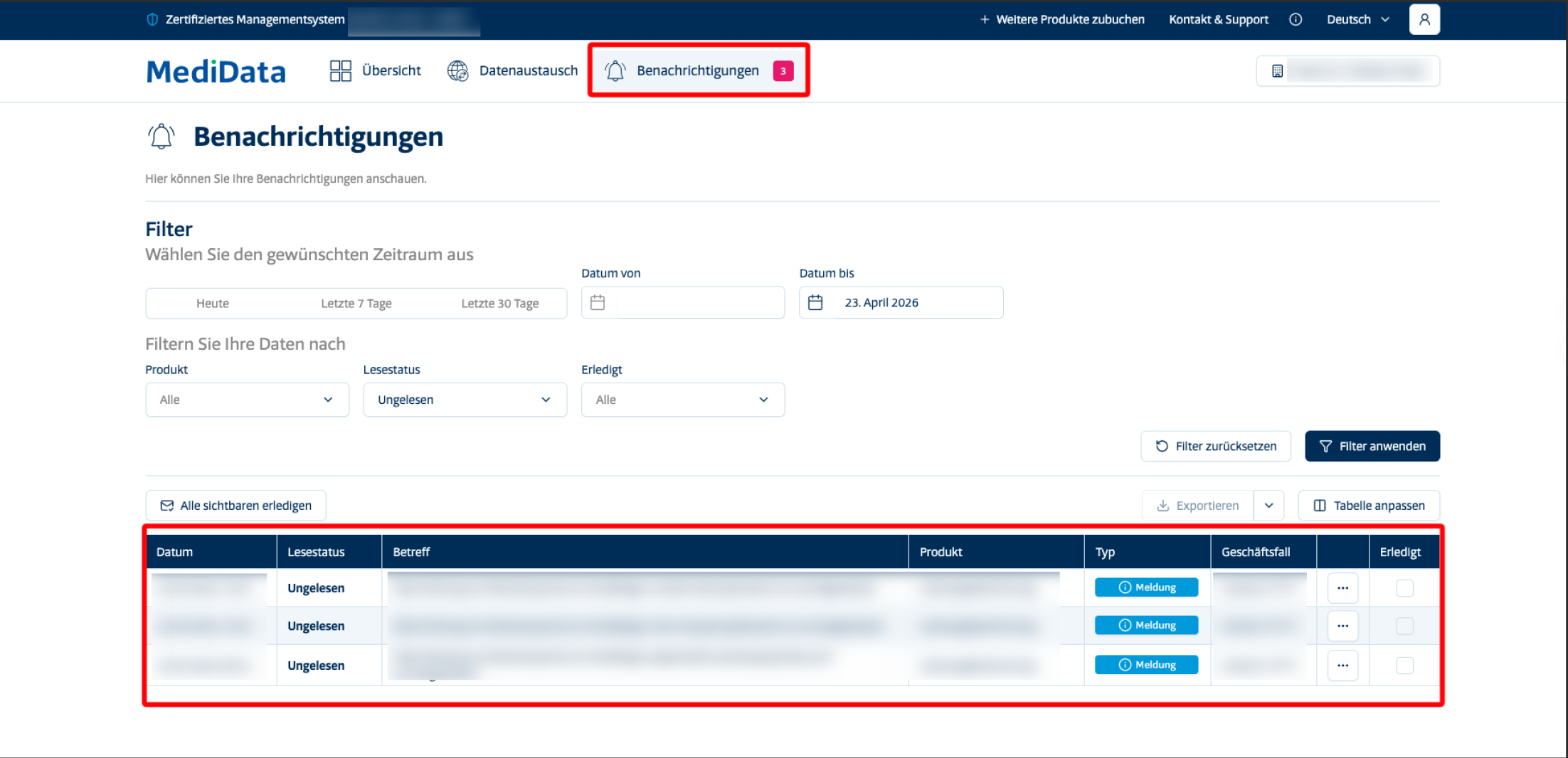
When the system detects an error during processing, a notification will be automatically generated providing a detailed description of the issue.
The error message is typically displayed in XML format.
For a comprehensive overview of all possible error types and their meanings, please refer to our dedicated guide at THIS LINK
Similarly to the Data Exchange section, by default only the notifications for the current day are shown, but you can extend the view to the last 7 days, the last 30 days or a custom time range.
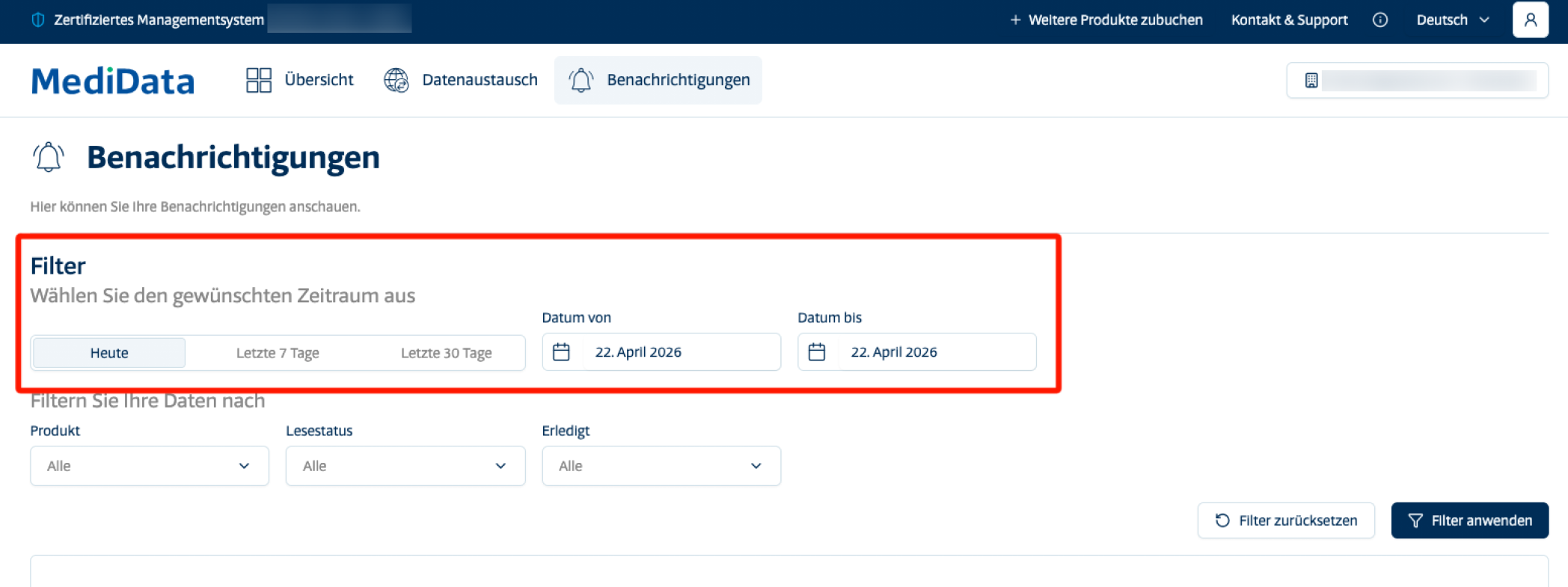
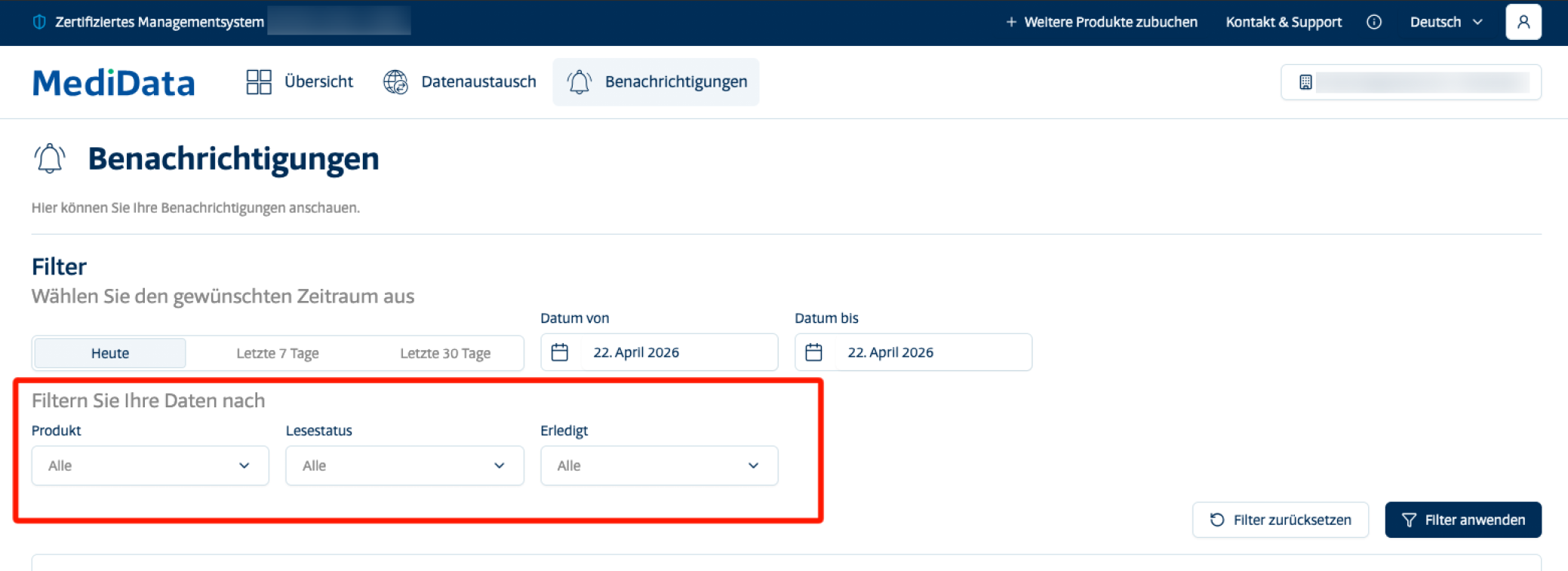
Available Filters
- Product – Filters notifications by the type of MediData product they relate to
- Read status – Allows the user to view only read or only unread notifications
- Completed – Filters notifications based on their status: completed or not completed
Then select Apply Filters to view the selected results
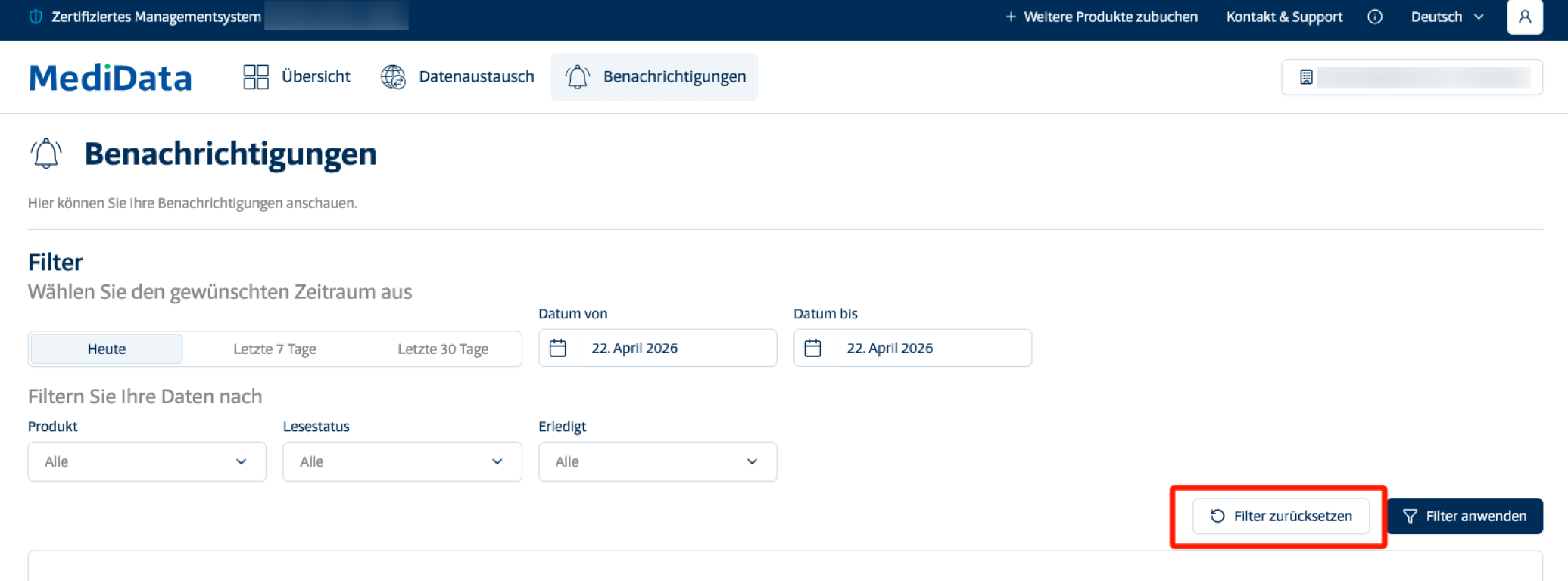
Remove Active Filters
To clear all active filters and reset the search view, click the Reset Filters button.
Settings
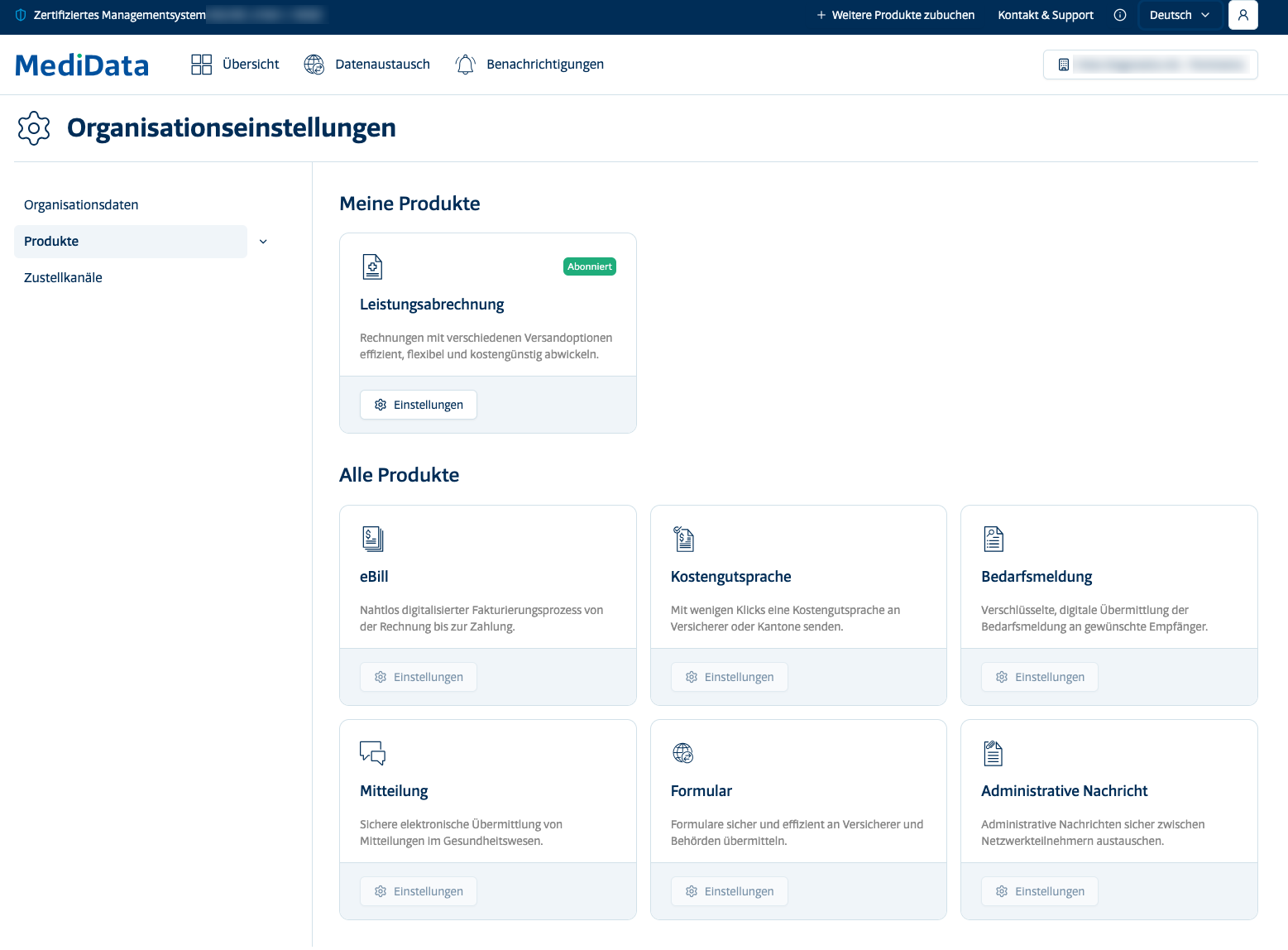
In the Settings section is is possible to manage the organisation's information and the products active on the account.
Organisation Data
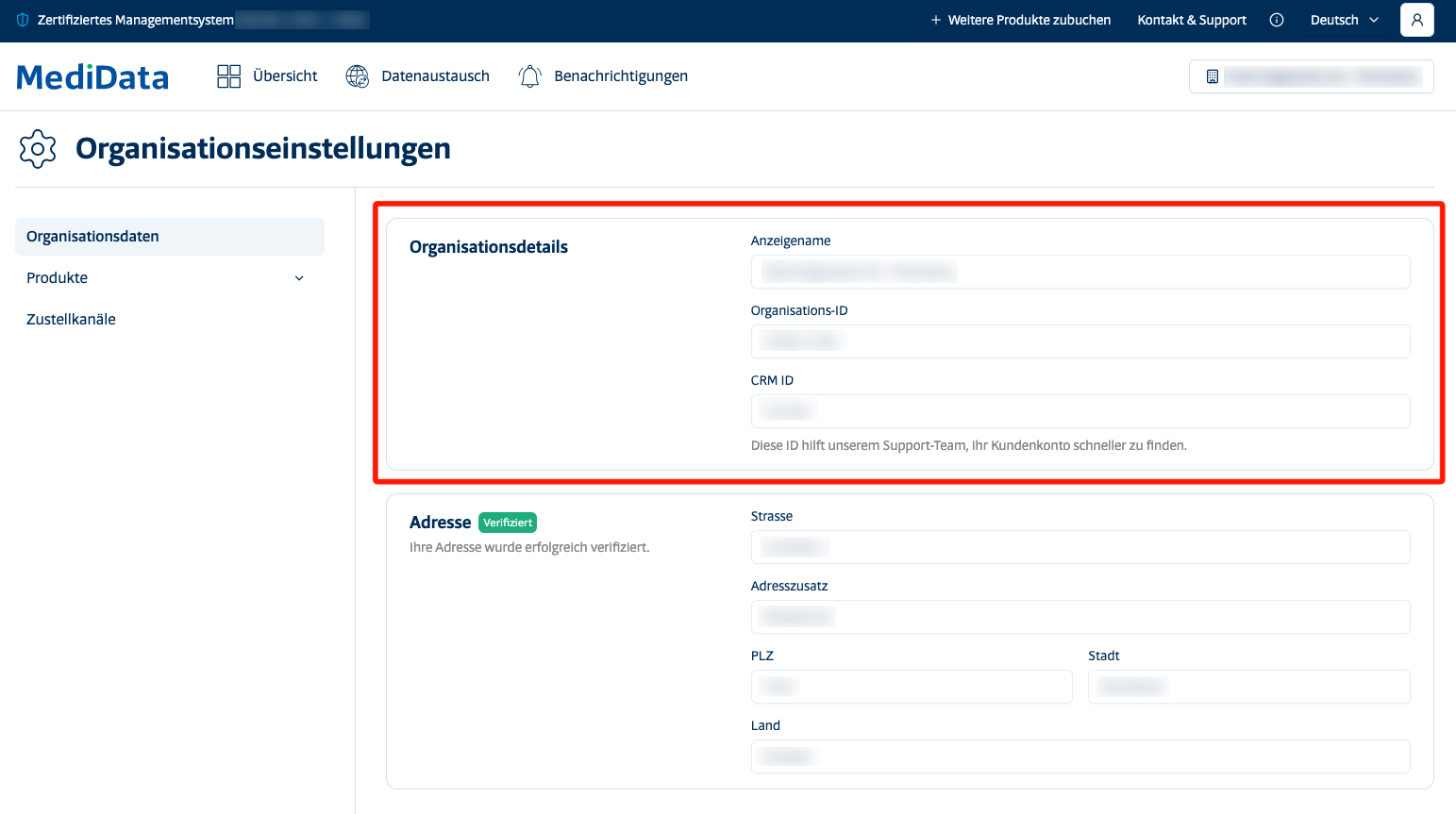
This subsection displays the registration details of the organisation registered on MediData, divided into two areas:
Organisation details (upper section):
- Display name – The name by which the organisation appears in the portal
- Organisation ID – The unique identification code of the organisation
- CRM ID – An internal reference code that allows the MediData support team to quickly locate the customer account
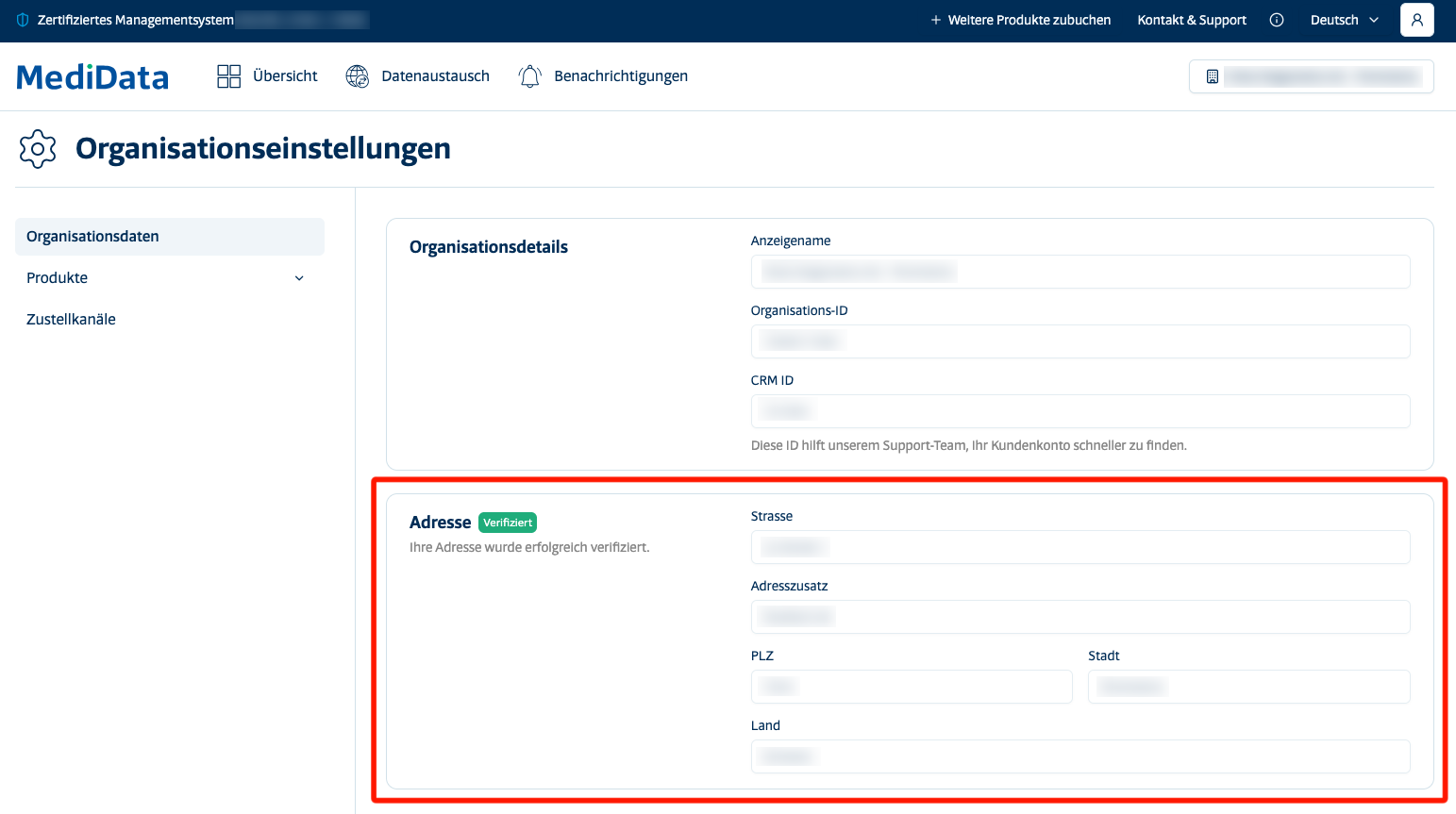
Address (lower section):
- Contains the full registration details of the practice or organisation (street, postcode, city, country).
The address is subject to a verification process by MediData.
Organisation Settings
This subsection allows you to activate or deactivate MediData products available for the organisation.
Access to each product requires a specific subscription.
At the top of the page you can see the currently active products; at the bottom, those available but not yet activated.
Products Available on MediData
- Service Billing Allows to manage healthcare invoices efficiently, flexibly and cost-effectively, with various sending options
- eBill Offers a fully digital billing process, covering the entire flow from invoice creation to payment
- Prior Authorisation Allows you to send prior authorisation requests to the insurer or canton quickly and easily
- Needs Reporting Enables the secure and digital transmission of needs reports to designated recipients
- Message Enables the secure electronic transmission of communications within the healthcare sector
- Form Allows you to send forms securely and efficiently to insurers and competent authorities
- Administrative Message Enables the secure exchange of administrative messages between the various participants in the MediData network