


P/S - Patients Not Showing in Normal Searches

Mar 20, 2026
 4
4
Sometimes, patients do not appear in normal searches because their information wasn’t fully captured in the search index
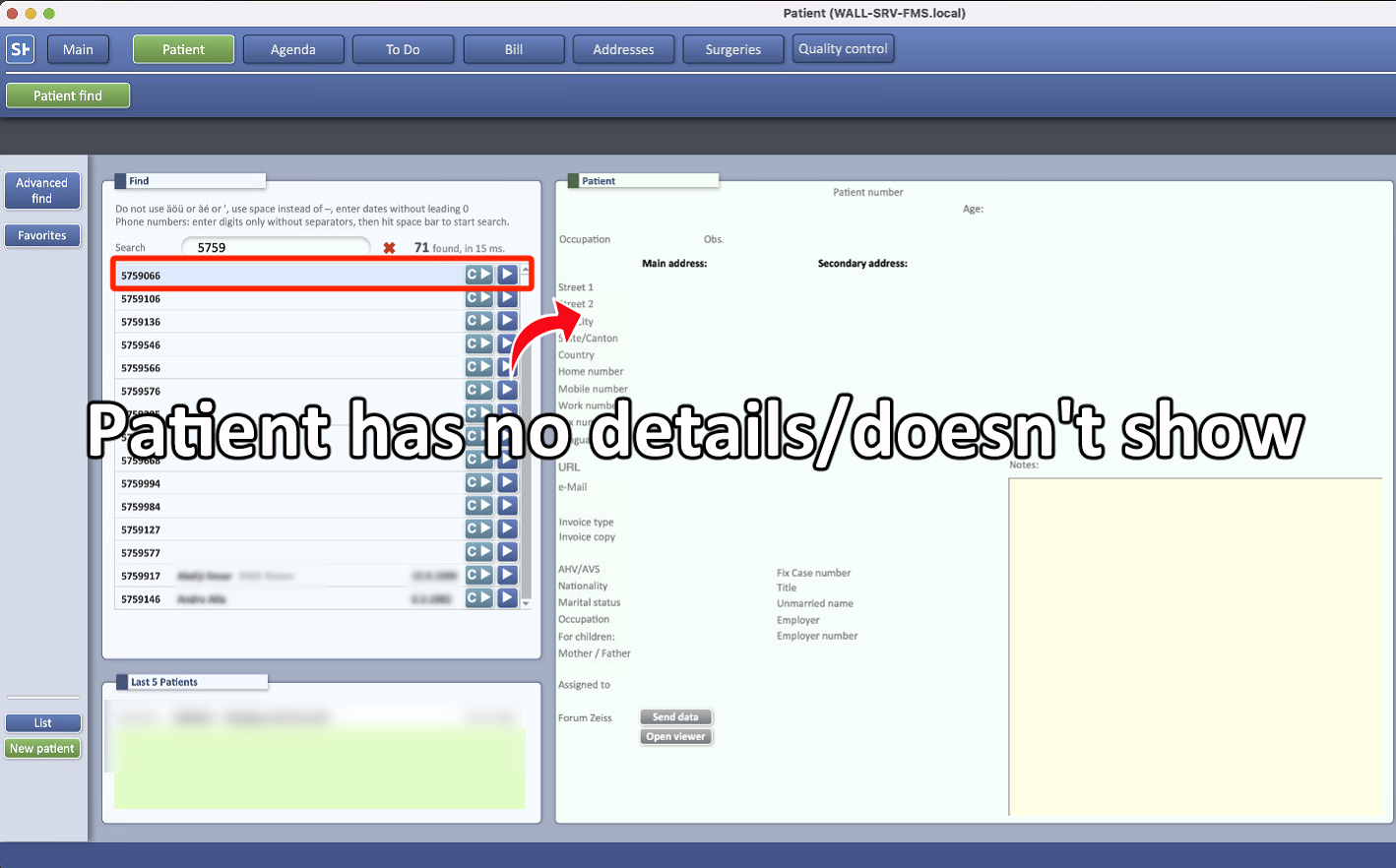
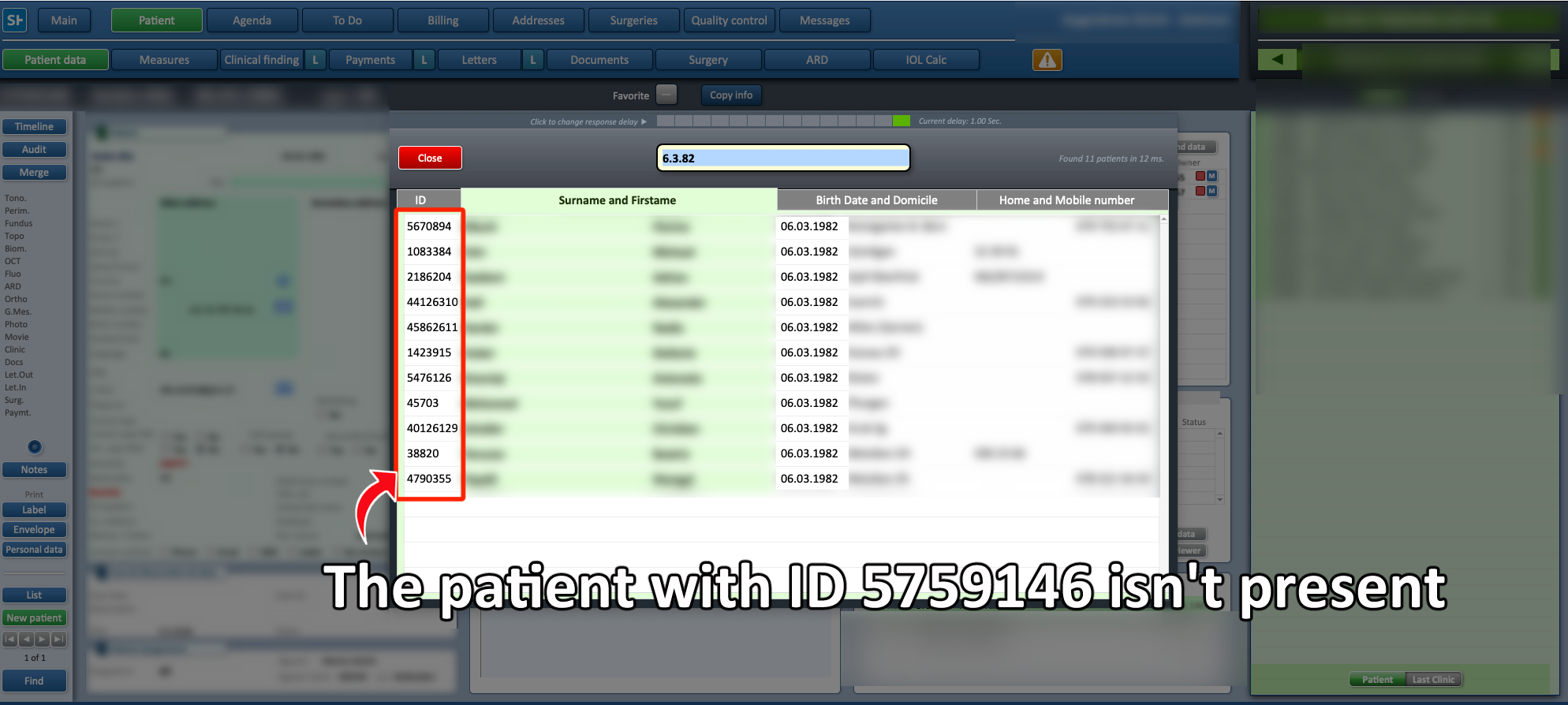
-
In the Main Menu, select Patients

-
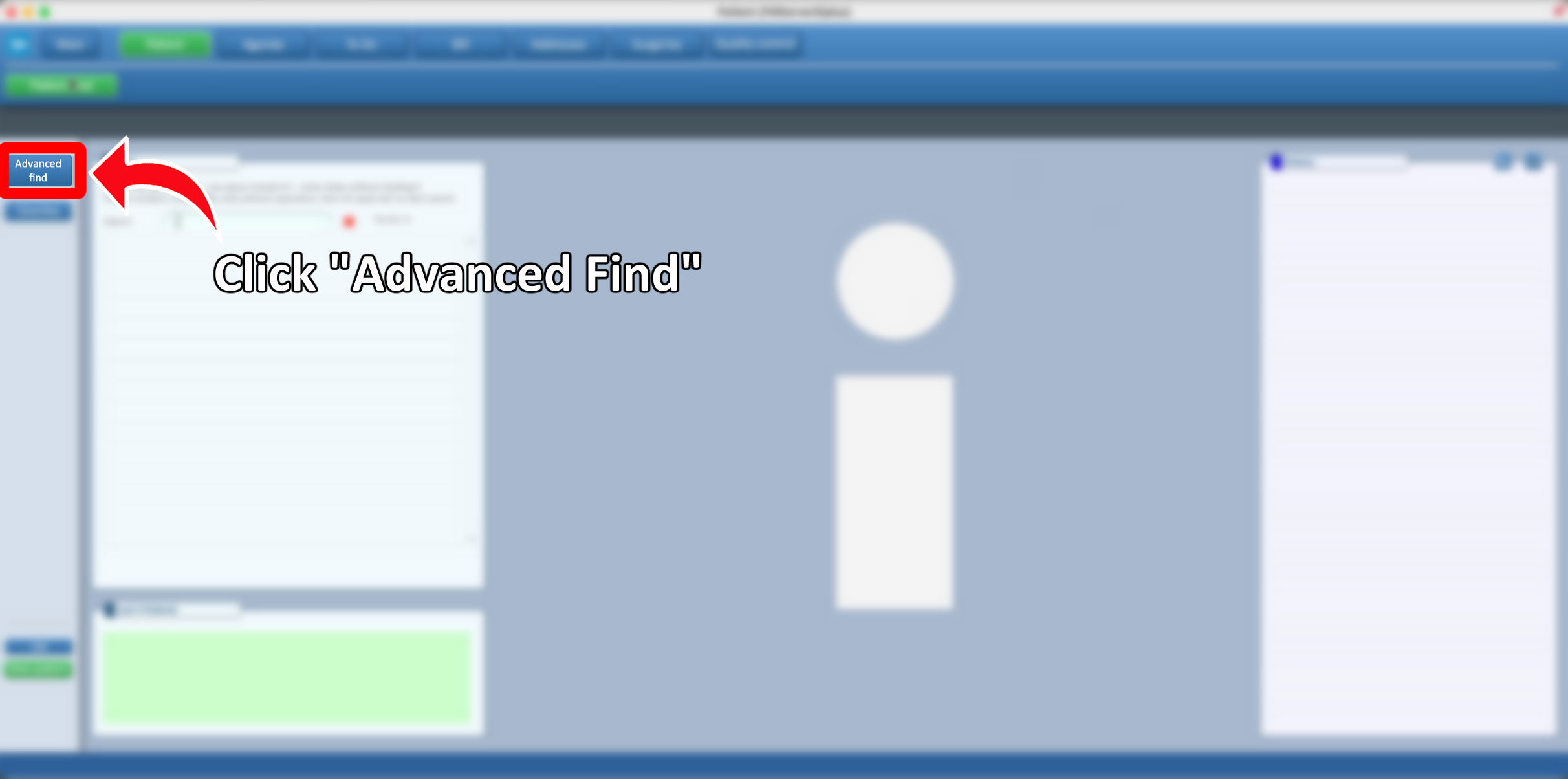
Open Advanced Find following THIS GUIDE.
-
Advanced Find searches more thoroughly and avoids normal search limitations.
-
-
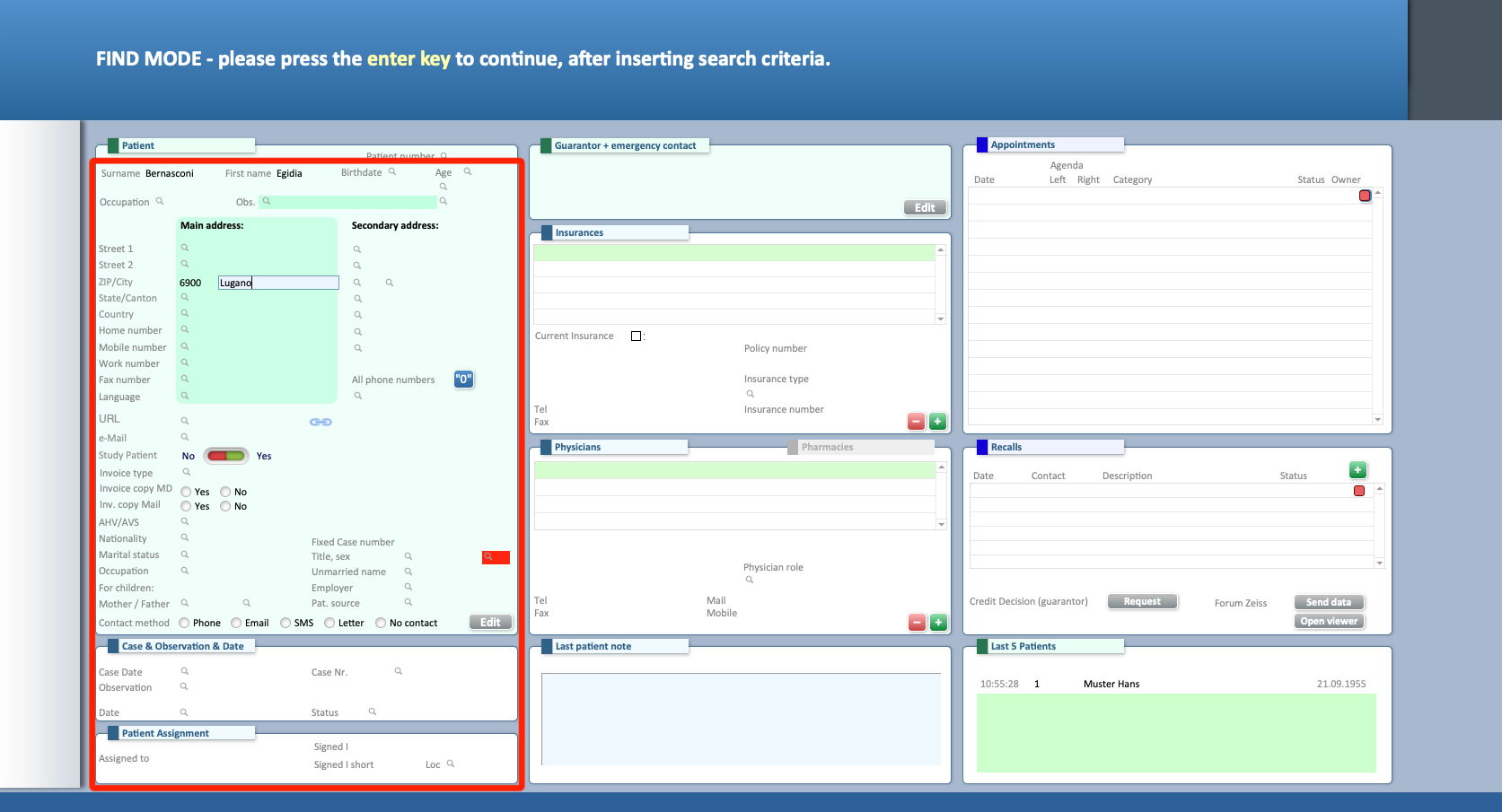
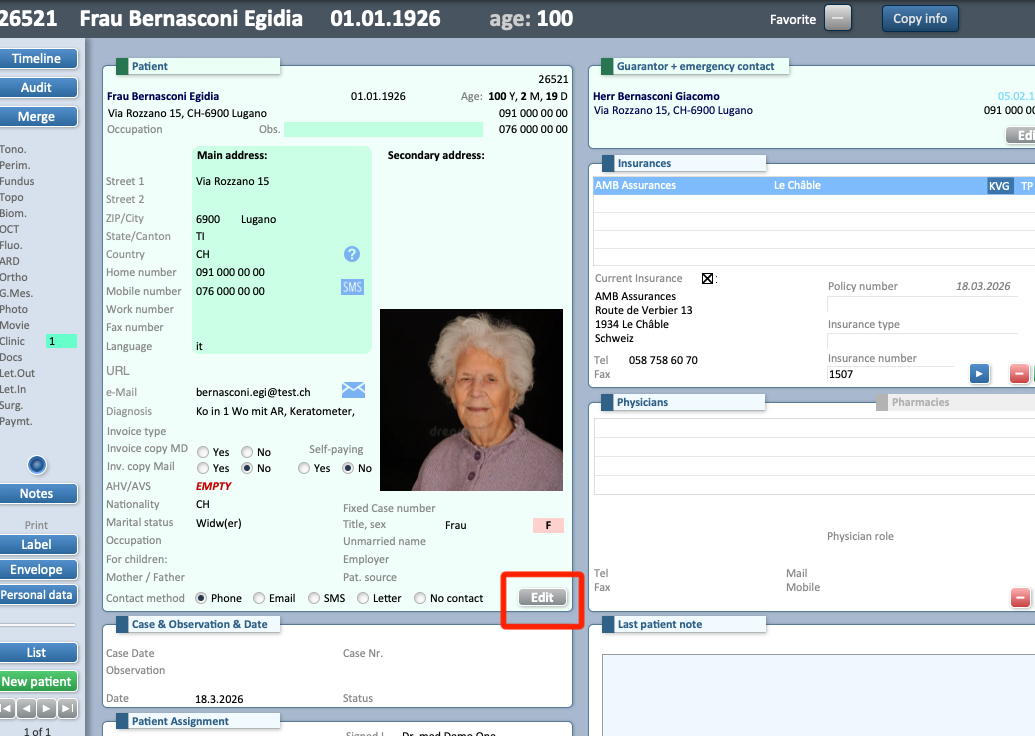
Locate the patient in Advanced Find and open their profile.
-
Click Edit to update their personal information.
-
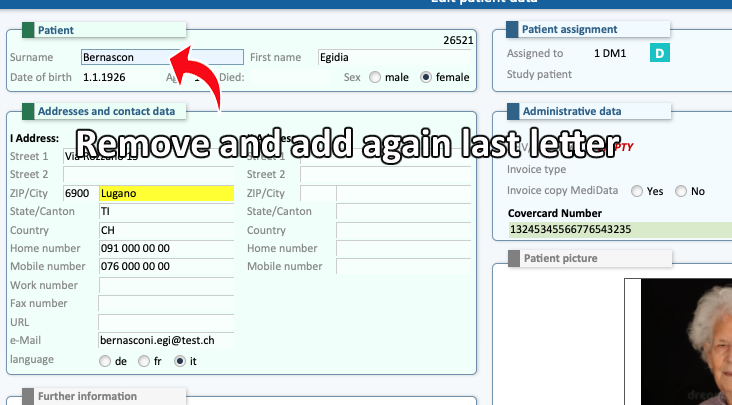
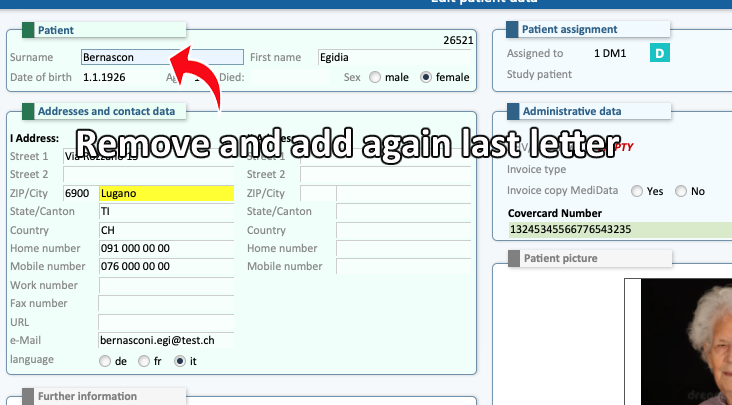
Delete the last letter of their name or surname and type it again.
-
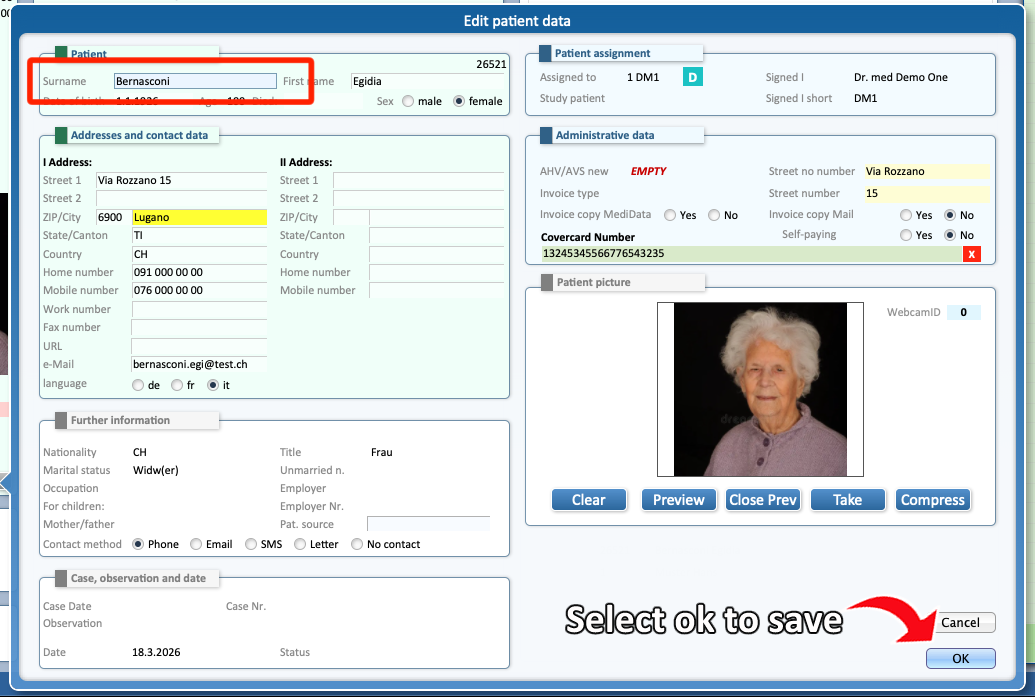
Click OK to save the changes.
-
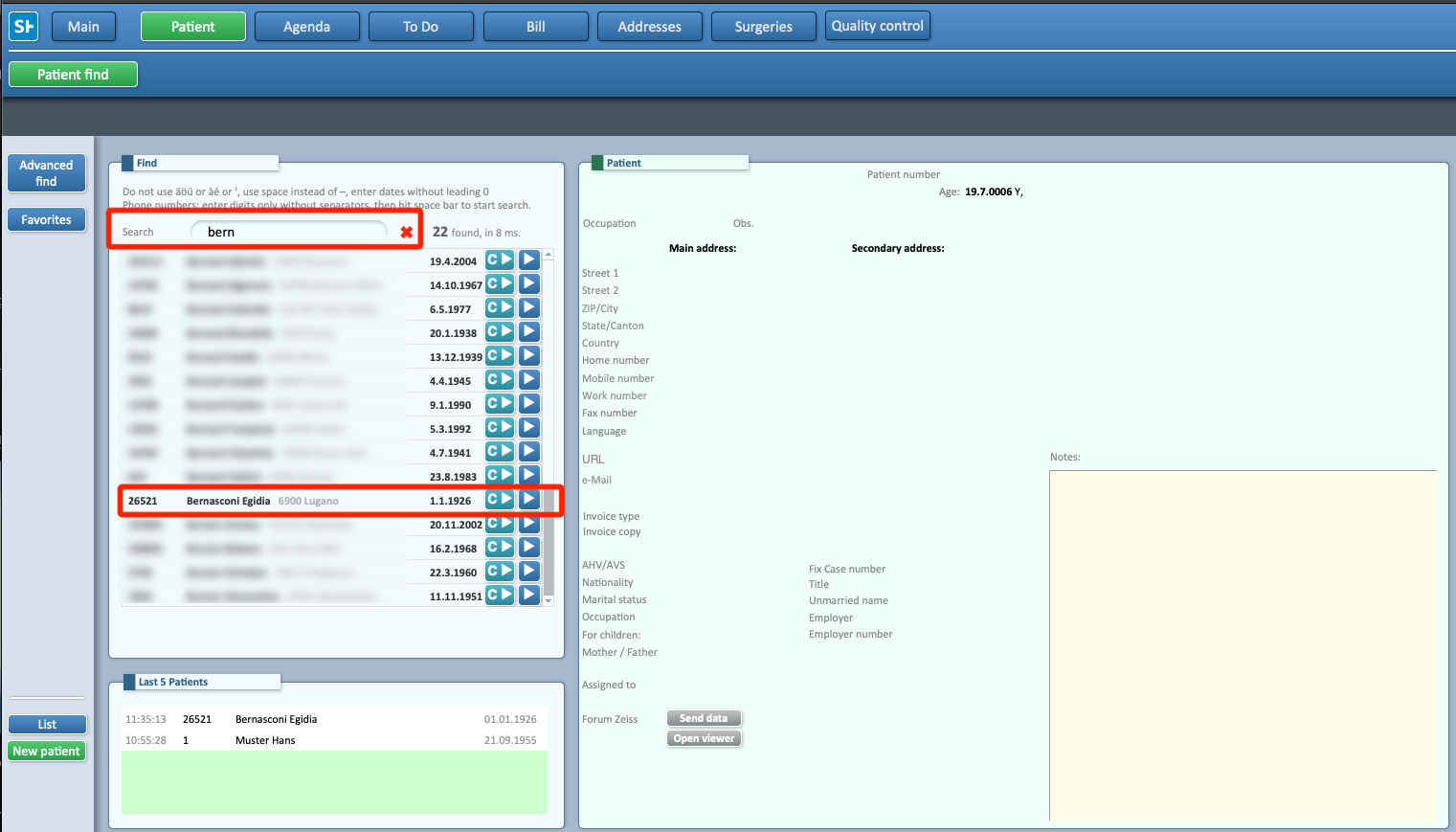
Return to the normal search and verify that the patient now appears.
-
The issue should now be resolved.

